

Furniture photography has become more competitive than ever. Whether you’re selling products on an online marketplace, running an eCommerce store, or promoting premium furniture through social media, your images are often the first thing customers notice. Even beautifully designed furniture can look average if the photos are poorly edited. That’s why choosing the right Furniture Photo Editing Software is one of the smartest investments you can make in 2026.
Today’s buyers expect clean backgrounds, realistic colors, balanced lighting, and professionally retouched images before they decide to click the “Buy Now” button. A single high-quality product photo can increase trust, improve conversions, and help your brand stand out from hundreds of competitors. The challenge is that there are now dozens of editing tools available, each offering different features, pricing, AI capabilities, and ease of use. Finding the best one isn’t always easy.
This detailed guide compares the Top 10 Best Furniture Photo Editing Software in 2026 to help you make the right decision. Instead of simply listing software, we’ll explore what each platform does best, who it is designed for, its strengths, weaknesses, pricing considerations, and whether it delivers enough value for furniture photographers, interior designers, furniture manufacturers, and online sellers.
If your goal is to choose the best Furniture Photo Editing Software for your workflow, this guide will help you compare the leading options and understand which one offers the best value for your business.
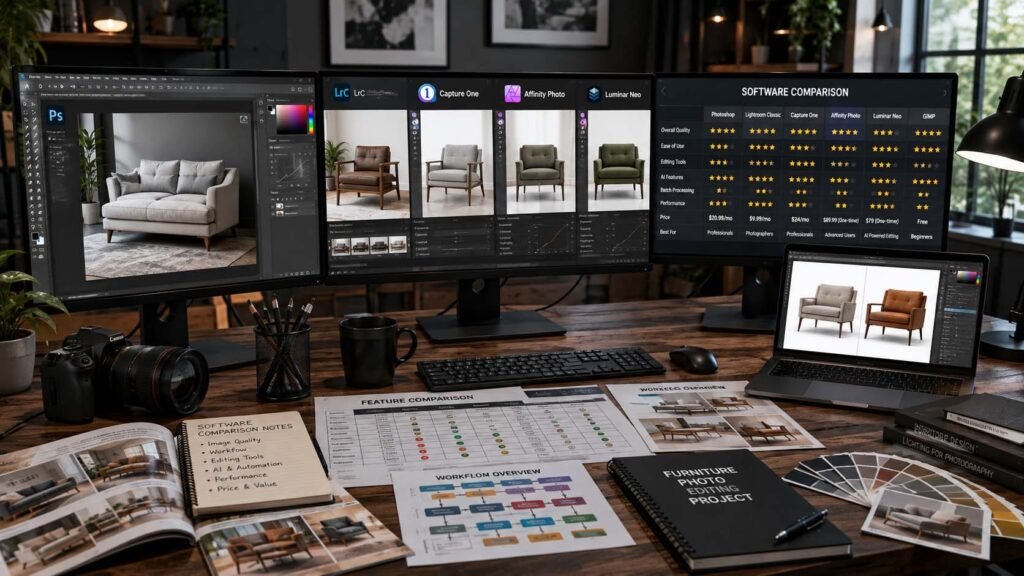
Why Furniture Photo Editing Matters More Than Ever
Furniture photography is different from editing portraits, landscapes, or fashion images. Every detail matters. Customers want to see accurate colors, natural wood grain, fabric texture, polished metal surfaces, and realistic shadows. Even minor editing mistakes can make a product appear fake or low quality.
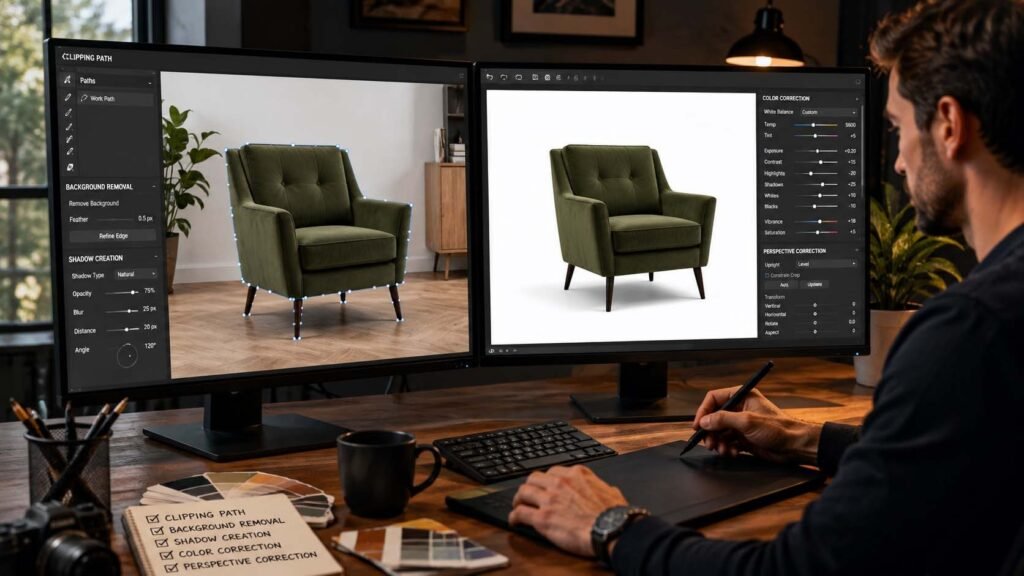
Professional editing enhances every aspect of a furniture image without making it look artificial. The best editors adjust brightness, improve color consistency, remove distracting reflections, straighten perspectives, eliminate unwanted objects, and create natural-looking shadows. These improvements help customers understand exactly what they’re buying.
Modern Furniture Photo Editing Software also includes AI-powered features that speed up repetitive tasks. Automatic background removal, object selection, masking, noise reduction, and intelligent lighting adjustments can save hours of manual editing. However, AI alone doesn’t always produce perfect results, especially when dealing with transparent materials, glass furniture, reflective surfaces, or detailed carvings.
That’s one reason many businesses still rely on professional editing companies like Pixels Artistry. Instead of spending hours learning advanced editing techniques, they let experienced editors produce consistent, high-quality results while they focus on growing their business.
How We Chose the Best Furniture Photo Editing Software
Not every photo editor works equally well for furniture photography. Some excel at color grading, while others focus on AI automation. To create this comparison, we considered several important factors.
The first was image quality. Furniture images require accurate colors, realistic textures, and natural shadows. Software that struggled with these basics didn’t make our list.
Ease of use was another important consideration. Beginners should be able to learn the software without weeks of training, while professionals should still have access to advanced editing tools.
AI features also played a major role. Modern editing software now includes intelligent masking, automatic object selection, background replacement, and generative editing capabilities that significantly reduce editing time.
Pricing was another important factor. Some businesses need enterprise-level editing tools, while others prefer affordable subscription plans or one-time purchases.
Finally, we evaluated each platform based on its popularity, regular updates, customer satisfaction, compatibility with professional workflows, and overall value for furniture photographers and online sellers.
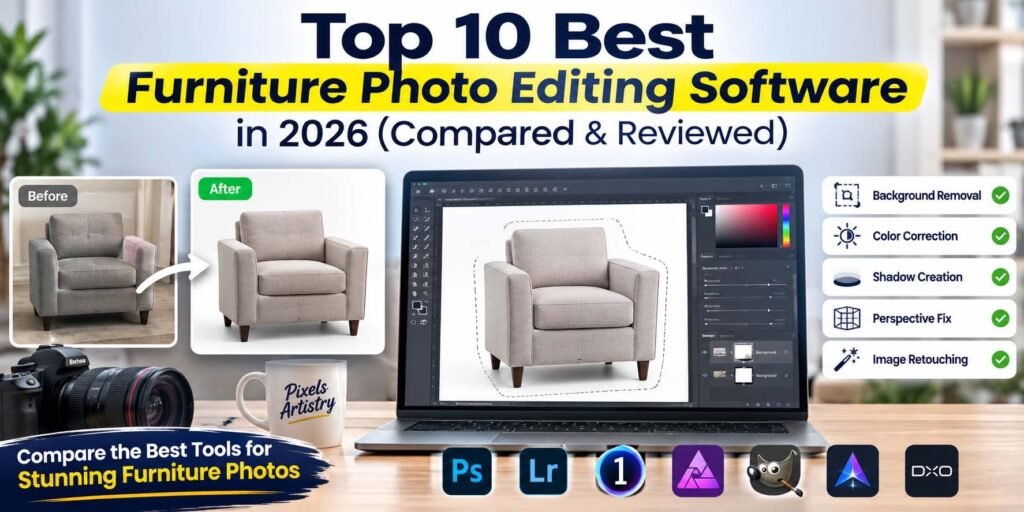
What Features Should You Look for in Furniture Photo Editing Software?
The best Furniture Photo Editing Software should do much more than basic brightness adjustments. It should help create clean, professional product images that build customer confidence.
Background removal is one of the most valuable features because furniture photos often require pure white backgrounds for marketplaces or transparent backgrounds for catalogs.
Advanced masking tools help isolate complicated objects like chairs with open backs, glass tables, decorative shelves, and furniture with intricate carvings.
Color correction ensures every product looks accurate across different lighting conditions. Customers expect the fabric, leather, and wood colors they see online to match the real product.
Shadow creation is another essential feature. Natural shadows make furniture appear grounded instead of floating on the page.
Perspective correction is particularly useful for furniture photography because wide-angle lenses often distort product dimensions.
Batch editing can save countless hours when working with large product catalogs.
AI-powered retouching speeds up repetitive tasks while maintaining consistent quality.
Finally, support for RAW images gives photographers maximum editing flexibility without sacrificing image quality.
Adobe Photoshop
Adobe Photoshop continues to dominate professional image editing in 2026. It remains the industry standard for furniture photographers, commercial studios, furniture manufacturers, advertising agencies, and eCommerce brands.
Photoshop offers unmatched precision when editing furniture images. Whether you’re removing backgrounds, replacing floors, fixing reflections, changing wall colors, extending backgrounds, or creating realistic shadows, Photoshop gives complete control over every detail.
The newest AI-powered features make complex editing much faster than previous versions. Automatic object selection has become incredibly accurate, while generative editing helps expand backgrounds, remove unwanted distractions, and simplify time-consuming edits.
Another major advantage is Photoshop’s compatibility with countless plugins, third-party extensions, and cloud-based workflows. Professional studios often build their entire editing pipeline around Photoshop because of its flexibility.
Despite its power, Photoshop has a learning curve. Beginners may find the interface overwhelming, and mastering advanced masking, pen tool selections, and non-destructive workflows takes time. However, once learned, few competitors can match its capabilities.
For businesses editing hundreds or thousands of furniture images every month, Photoshop remains one of the strongest choices available.
Pros
- Industry-standard professional editing tools
- Excellent AI-powered editing features
- Outstanding masking and selection tools
- Supports advanced retouching workflows
- Huge plugin ecosystem
- Excellent RAW image support
Cons
- Monthly subscription required
- Steep learning curve
- Can feel overwhelming for beginners
Adobe Lightroom
Adobe Lightroom is designed primarily for photographers who need efficient image organization and color correction. While it doesn’t replace Photoshop for complex editing, it excels at processing large collections of furniture images quickly.
Lightroom is especially useful for furniture photographers working with entire product catalogs. Instead of editing images individually, users can synchronize adjustments across hundreds of photos. This dramatically reduces editing time while maintaining consistent color, exposure, and white balance.
Its AI masking features continue to improve each year, allowing selective adjustments with much greater precision than before. Photographers can brighten wood textures, reduce glare, improve upholstery colors, and fine-tune lighting without affecting the rest of the image.
Cloud synchronization makes Lightroom attractive for teams working across multiple devices. Images can be edited on desktop computers, tablets, or mobile devices while remaining fully synchronized.
Although Lightroom offers excellent workflow efficiency, it isn’t designed for advanced compositing or detailed furniture retouching. Most professionals eventually move edited files into Photoshop for final refinements.
For photographers managing large product libraries, Lightroom remains an excellent companion to other Furniture Photo Editing Software.
Pros
- Excellent photo organization
- Fast batch editing
- Outstanding color correction
- Cloud synchronization
- Beginner-friendly workflow
- Great RAW processing
Cons
- Limited advanced retouching
- Best used alongside Photoshop
- Fewer compositing tools

Capture One Pro
Capture One Pro has become one of the favorite editing platforms among professional commercial photographers. Its exceptional color accuracy makes it particularly valuable for furniture photography, where product colors must appear as realistic as possible.
The software is known for producing beautiful RAW conversions with remarkable detail preservation. Wood grain, leather texture, fabric stitching, and polished metal surfaces all retain impressive realism after editing.
Capture One also offers advanced tethered shooting, allowing photographers to review images instantly during studio sessions. This feature is especially useful for furniture brands producing large seasonal catalogs.
Layers, masking tools, color grading, and local adjustments provide professional-level editing capabilities while maintaining excellent image quality throughout the workflow.
Although Capture One isn’t as widely adopted as Photoshop, many commercial photographers actually prefer its color engine for product photography.
The biggest downside is its pricing and slightly steeper learning curve compared to beginner-focused alternatives. However, professionals often consider it worth the investment.
Pros
- Exceptional color accuracy
- Industry-leading RAW processing
- Professional tethered shooting
- Powerful layer-based editing
- Excellent detail preservation
- High-quality image output
Cons
- Premium pricing
- Smaller plugin ecosystem
- Learning curve for new users
Affinity Photo
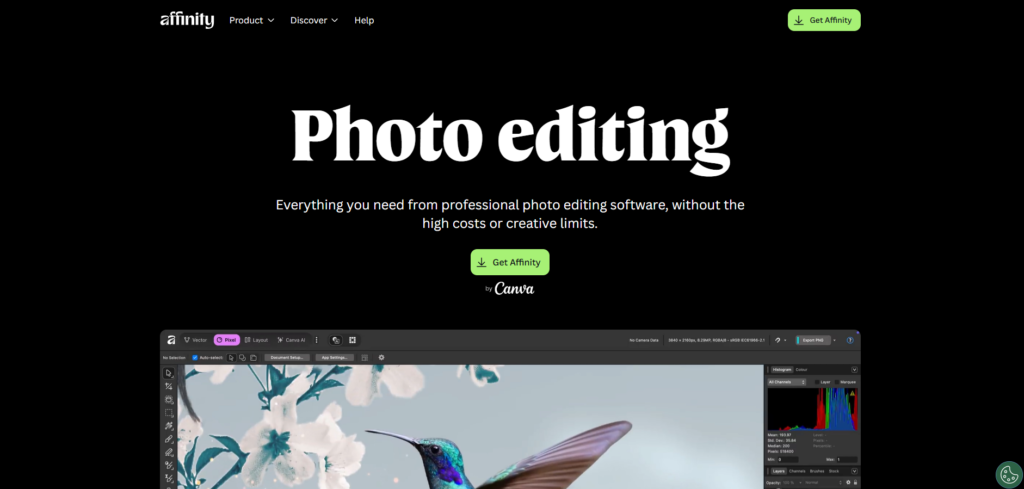
Affinity Photo has earned a strong reputation as one of the best alternatives to Adobe’s subscription-based software. Instead of paying monthly fees, users purchase the software once and receive professional editing capabilities at a significantly lower long-term cost.
Despite its affordable pricing, Affinity Photo includes many advanced features expected from premium editing software. Users can perform detailed retouching, advanced masking, frequency separation, HDR merging, panorama stitching, layer editing, and RAW development.
Furniture photographers appreciate its responsive performance and comprehensive editing toolkit. Whether editing wooden furniture, luxury sofas, office desks, or home décor products, Affinity Photo delivers professional-quality results.
Its interface resembles Photoshop, making the transition relatively easy for experienced Adobe users.
Although its AI features still trail Adobe’s newest releases, Affinity Photo remains an outstanding value for freelancers, small businesses, and growing furniture brands.
Pros
- One-time purchase
- Professional editing tools
- Excellent value for money
- Strong RAW editing
- Fast performance
- No subscription required
Cons
- Smaller AI feature set
- Limited cloud integration
- Fewer third-party plugins

Luminar Neo
Luminar Neo has become one of the most popular AI-powered editing applications in recent years, and its 2026 version is more capable than ever. It is designed for users who want professional-looking edits without spending hours learning complicated editing techniques. For furniture businesses, this makes it an attractive option because it combines intelligent automation with manual controls.
The layer-based editing system gives users enough flexibility to make creative adjustments without becoming overly complicated. Furniture photographers can brighten wooden textures, improve upholstery colors, remove unwanted objects from the background, and create cleaner product presentations with minimal effort.
Luminar Neo also performs well when enhancing lifestyle furniture photography. If you’re photographing sofas in living rooms or dining tables in decorated interiors, the software helps create polished images that still look realistic. Its AI tools speed up the editing process, making it an excellent choice for businesses with medium-sized product catalogs.
Although Luminar Neo is powerful, it doesn’t completely replace Photoshop for complex commercial retouching. Detailed masking, advanced compositing, and highly customized product edits are still easier in traditional professional software.
Pros
- AI-powered editing saves significant time
- Beginner-friendly interface
- Excellent lighting enhancement
- Strong portrait and product editing tools
- Good layer support
- Regular feature updates
Cons
- Limited advanced retouching
- Some AI tools require manual refinement
- Can be slower on older computers
Canva Pro
Many people associate Canva Pro with social media graphics, but in 2026 it has become much more than a design platform. It now includes AI-powered image editing features that make it surprisingly useful for furniture businesses needing quick edits for marketing materials.
Canva Pro isn’t intended for high-end commercial retouching, but it performs well for simple furniture image improvements. Users can remove backgrounds, resize images, adjust brightness, enhance colors, and prepare product photos for online stores, advertisements, and social media campaigns.
Its greatest advantage is simplicity. Someone with no editing experience can create attractive marketing images within minutes. Furniture retailers frequently use Canva Pro to combine edited product photos with promotional banners, discount offers, and branded templates.
Another advantage is cloud collaboration. Marketing teams can work together on catalogs, promotional materials, and advertising campaigns without installing desktop software.
However, Canva Pro lacks the advanced editing precision required for professional furniture photography. Complex masking, realistic shadow creation, texture correction, and advanced color grading remain outside its primary focus.
If your goal is producing polished marketing content rather than detailed image retouching, Canva Pro offers excellent value.
Pros
- Extremely easy to use
- Cloud-based collaboration
- Fast background removal
- Excellent marketing templates
- Beginner friendly
- Affordable subscription
Cons
- Limited professional retouching
- Not ideal for detailed product editing
- Fewer advanced editing controls

ON1 Photo RAW
ON1 Photo RAW continues to gain popularity among photographers looking for an all-in-one editing solution. It combines RAW processing, photo organization, AI-powered editing, and layer-based adjustments into a single application.
Furniture photographers appreciate its balanced workflow. Instead of switching between multiple programs, users can organize, edit, retouch, and export images from one platform. This streamlined process improves efficiency for businesses managing large inventories.
The software includes AI masking, intelligent resizing, noise reduction, HDR editing, panorama creation, and advanced color correction. These tools allow furniture images to appear brighter, sharper, and more appealing without sacrificing realism.
ON1 Photo RAW also includes non-destructive editing, allowing users to revisit previous adjustments at any time. This flexibility is especially valuable when clients request revisions after the editing process has already been completed.
Although ON1 offers impressive capabilities, its interface can initially feel crowded compared to simpler editing software. New users may need time to become familiar with the workflow.
Overall, ON1 Photo RAW is an excellent middle ground between beginner software and high-end professional applications.
Pros
- Complete editing workflow
- Strong RAW processing
- AI-powered masking
- Excellent organization tools
- Non-destructive editing
- Good value
Cons
- Interface requires learning
- Some AI features are slower
- Smaller community than Adobe

DxO PhotoLab
DxO PhotoLab has earned an outstanding reputation for image quality. While it isn’t always the first software people mention, professionals often praise its exceptional RAW processing and lens correction technology.
Furniture photography benefits greatly from accurate lens corrections because wide-angle distortion can make products appear unrealistic. DxO automatically corrects optical imperfections, resulting in cleaner, more accurate furniture images.
Its DeepPRIME XD noise reduction technology remains one of the best available. Furniture photographers shooting in challenging lighting conditions can recover impressive detail while maintaining smooth, natural-looking textures.
The software also excels in color rendering. Fabrics, wood finishes, leather materials, and decorative surfaces retain their realistic appearance after editing.
DxO focuses heavily on image quality rather than AI-generated creativity. Users seeking advanced compositing or graphic design tools may need additional software, but photographers who prioritize image accuracy often consider DxO one of the finest choices available.
Pros
- Outstanding RAW processing
- Exceptional lens correction
- Industry-leading noise reduction
- Excellent color accuracy
- High-quality image output
- Reliable workflow
Cons
- Limited graphic design features
- Smaller plugin ecosystem
- Premium pricing
Pixlr
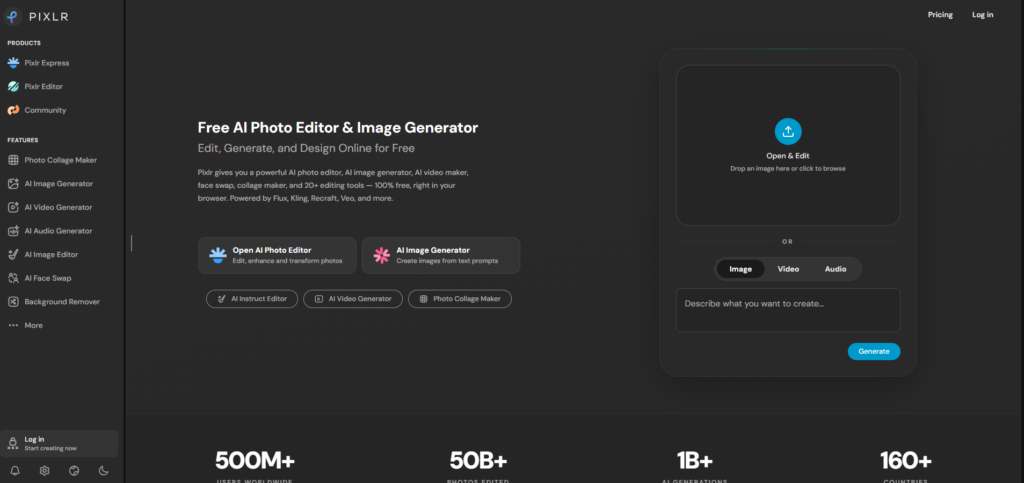
Pixlr has grown into one of the most convenient browser-based editing platforms. Because it runs online, users don’t need powerful computers or complicated installations.
For furniture sellers who occasionally edit product photos, Pixlr provides an easy solution. It supports background removal, color correction, AI image generation, object removal, filters, and quick retouching.
The browser interface feels clean and approachable, making it suitable for beginners. Small furniture businesses often appreciate being able to edit product photos from almost any computer without investing in expensive hardware.
However, Pixlr is not designed for professional commercial editing. While it handles basic improvements well, advanced furniture retouching usually requires more powerful software or experienced editors.
Still, for startups and occasional users, Pixlr offers impressive capabilities at an affordable price.
Pros
- Browser-based editing
- Beginner friendly
- AI background removal
- Affordable pricing
- No powerful computer required
- Fast editing
Cons
- Limited professional tools
- Internet connection required
- Less precise than desktop software
Photopea
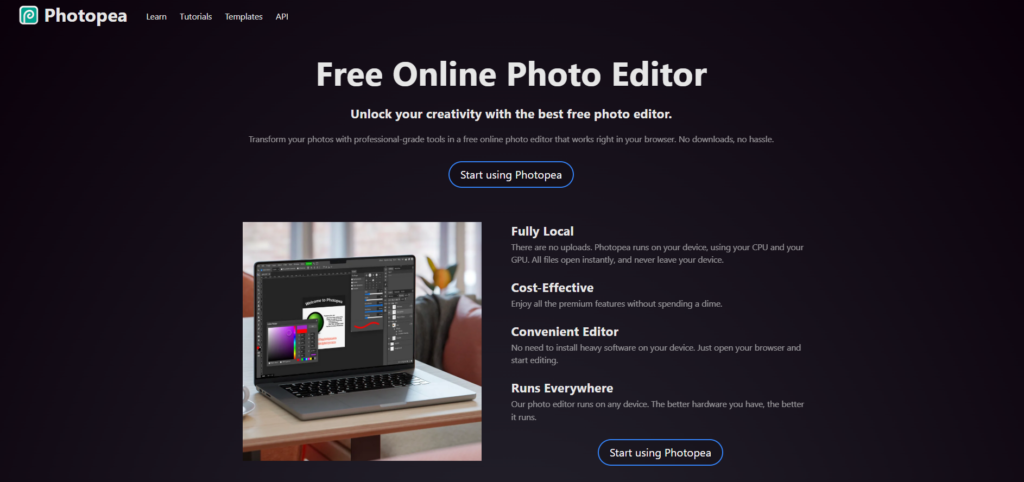
Photopea has become a favorite among users looking for a free Photoshop alternative. Since it runs directly inside a web browser, users can access advanced editing tools without purchasing expensive software.
Its interface closely resembles Photoshop, making it relatively familiar for experienced editors. Users can work with layers, masks, smart objects, adjustment layers, and PSD files.
Furniture businesses with limited budgets often use Photopea for occasional editing projects. It performs surprisingly well for background removal, product cleanup, color correction, and basic retouching.
Although Photopea offers impressive functionality for a browser application, performance depends heavily on internet speed and browser resources. Large commercial projects involving hundreds of high-resolution furniture images may become slower than desktop alternatives.
Nevertheless, Photopea remains one of the strongest free editing solutions currently available.
Pros
- Free to use
- Photoshop-like interface
- Supports PSD files
- Layer-based editing
- Browser accessibility
- No installation required
Cons
- Slower with large projects
- Browser performance limitations
- Contains ads in free version
Software Comparison at a Glance
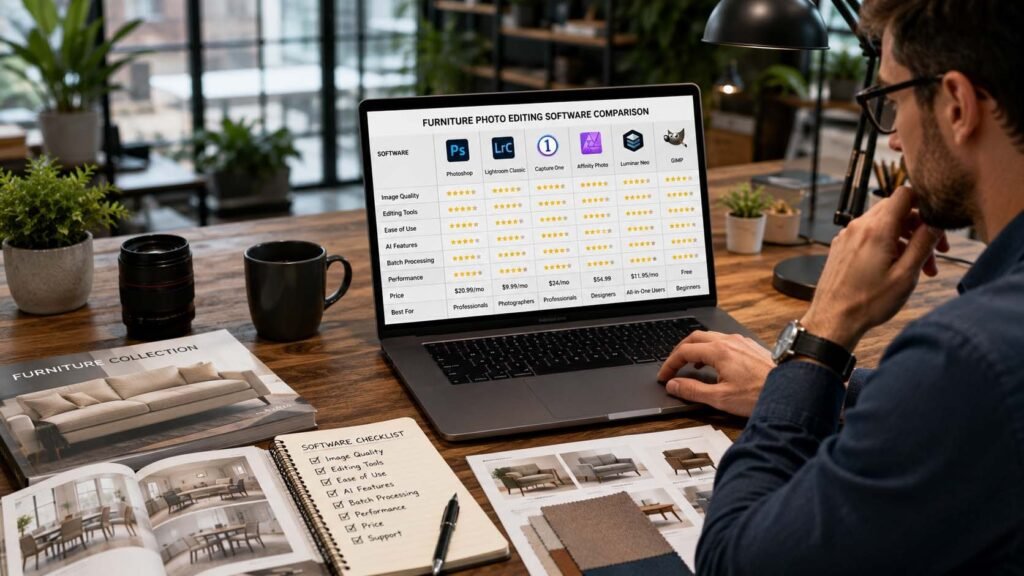
Choosing the right Furniture Photo Editing Software depends on your experience level, budget, and editing requirements. Adobe Photoshop remains the most complete professional solution for businesses that require maximum editing flexibility and advanced retouching capabilities. Lightroom is excellent for photographers managing large image libraries and maintaining consistent colors across hundreds of products.
Capture One Pro stands out for photographers who prioritize accurate colors and exceptional RAW processing, while Affinity Photo offers outstanding value through its one-time purchase model. Luminar Neo is an excellent choice for users who want AI-assisted editing with minimal learning, whereas Canva Pro focuses more on marketing content than professional retouching.
ON1 Photo RAW delivers a complete editing workflow in one package, DxO PhotoLab excels in image quality and optical corrections, Pixlr provides convenient browser-based editing, and Photopea serves as an impressive free alternative for budget-conscious users.
No single Furniture Photo Editing Software is perfect for every business. The best choice depends on whether your priority is automation, professional precision, affordability, or workflow efficiency.
Why Many Furniture Brands Still Choose Professional Editing Services
Even the best Furniture Photo Editing Software cannot completely replace experienced human editors. Software provides the tools, but achieving consistent commercial-quality results requires skill, patience, and an understanding of lighting, composition, and product presentation.
Many furniture businesses discover that editing hundreds or even thousands of images in-house becomes time-consuming. Staff members spend hours removing backgrounds, correcting colors, creating realistic shadows, retouching imperfections, and preparing images for different marketplaces. Over time, these editing tasks reduce productivity and increase operating costs.
This is one of the main reasons furniture manufacturers, online retailers, photographers, and interior design companies outsource their editing work to specialized professionals.
Why Pixels Artistry Is the Perfect Partner for Furniture Photo Editing
If you’re searching for a reliable team to handle professional furniture image editing, Pixels Artistry is built specifically to help businesses present their products at their absolute best.
Instead of spending countless hours learning every feature inside a Furniture Photo Editing Software application, you can focus on growing your business while experienced editors deliver polished, ready-to-publish images.
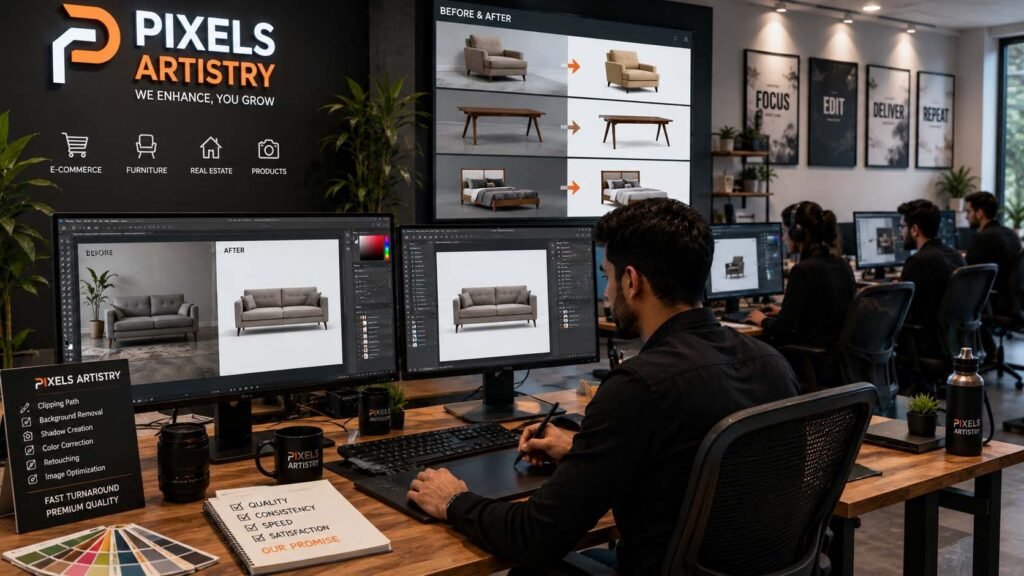
Pixels Artistry specializes in professional furniture photo editing for eCommerce stores, furniture manufacturers, online marketplaces, wholesalers, interior designers, and commercial photographers. Every image is carefully edited by skilled professionals rather than relying entirely on automated AI tools. This human attention ensures realistic colors, natural shadows, accurate perspectives, and premium-quality finishes.
One of the biggest advantages of choosing Pixels Artistry is consistency. Whether you submit ten images or ten thousand, every product receives the same level of attention and quality control. This consistency helps strengthen your brand identity and creates a professional shopping experience for customers.
The team offers a wide range of services, including professional background removal, furniture retouching, color correction, shadow creation, reflection editing, dust and scratch removal, image enhancement, clipping path services, ghost mannequin editing, perspective correction, object removal, image restoration, and custom editing tailored to your brand requirements.




[…] Video Color Correction Services can include exposure correction, white balance adjustment, contrast enhancement, saturation […]