
Real estate marketing has changed dramatically over the last few years. Buyers no longer rely only on photos when searching for their next home. They expect cinematic property videos, drone footage, virtual walkthroughs, neighborhood highlights, and social media reels that help them imagine living in the property. Because of this shift, choosing the Best Real Estate Video Editing Software has become more important than ever.
The right editing software can completely transform ordinary footage into a professional marketing video. Better color grading, smooth transitions, stabilized drone shots, animated text, and background music can make a property stand out from hundreds of competing listings. Whether you’re a real estate agent, videographer, content creator, or marketing agency, investing in the Best Real Estate Video Editing Software can help you produce videos that attract more buyers and generate more inquiries.
At Pixels Artistry, we work with real estate videos every day. We know that great editing isn’t only about adding effects. It is about telling a story that connects buyers with a property. Every home has something unique, whether it’s natural lighting, luxury interiors, spacious gardens, or breathtaking aerial views. Professional editing helps those features shine.
We also understand that software alone doesn’t guarantee outstanding results. Even the most advanced editing tools require experience, creativity, and attention to detail. That is why many real estate professionals choose to outsource their editing instead of spending hours learning complex software. We combine professional editing techniques with years of practical experience to deliver polished property videos that help listings stand out across MLS websites, YouTube, Instagram, Facebook, and other marketing platforms.
Why Choosing the Best Real Estate Video Editing Software Matters
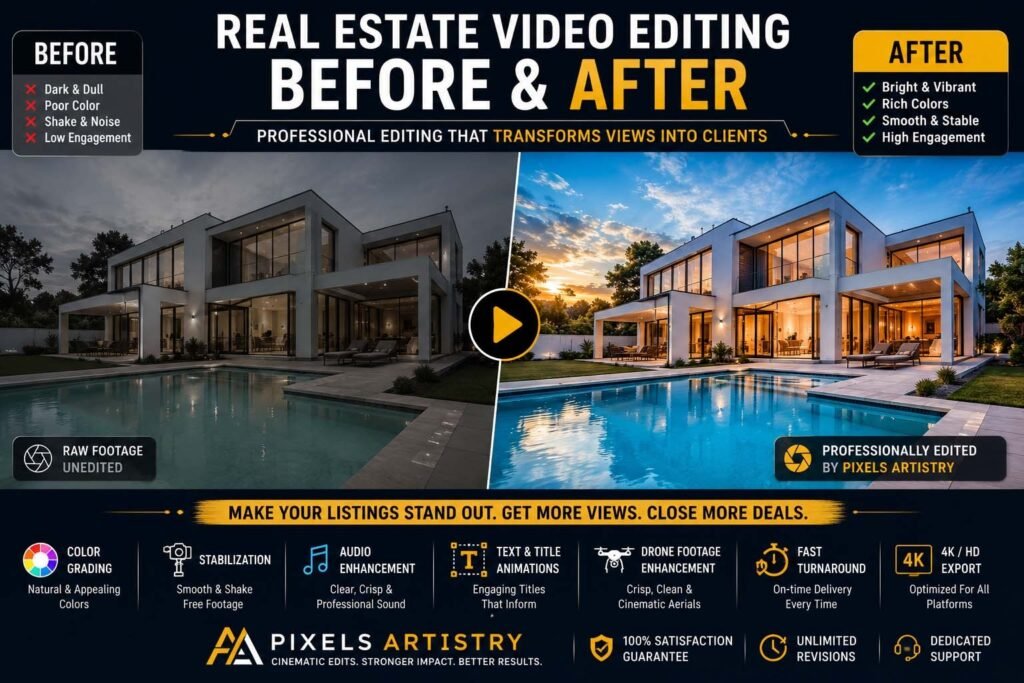
Real estate videos have become one of the strongest marketing tools available today. Buyers often decide whether to schedule a viewing within seconds of watching a listing video. A professionally edited video creates a stronger first impression than raw footage ever could.
Good editing removes camera shake, balances lighting between rooms, corrects colors, smooths camera movement, improves audio, and adds elegant transitions. It also keeps viewers engaged from beginning to end.
The Best Real Estate Video Editing Software makes these tasks much easier while offering tools designed for both beginners and professionals. Features like AI masking, automatic color correction, object removal, motion tracking, and cinematic effects have become standard in many modern editing programs.
What Makes Great Real Estate Video Editing Software?
Before purchasing any software, it’s important to understand what features actually matter for real estate editing.
A quality editor should support 4K and even 8K footage without slowing down your computer. It should provide excellent color grading tools because every property benefits from bright, vibrant, and natural-looking interiors.
The software should also include stabilization tools since handheld footage and drone footage often need smoothing.
Audio editing is another important feature. Clean background music, reduced wind noise, and clear narration create a much more professional viewing experience.
Fast export speeds are equally valuable because many real estate professionals work with tight deadlines.
Finally, templates for titles, lower thirds, logo animations, and social media formats can significantly speed up production.
Adobe Premiere Pro
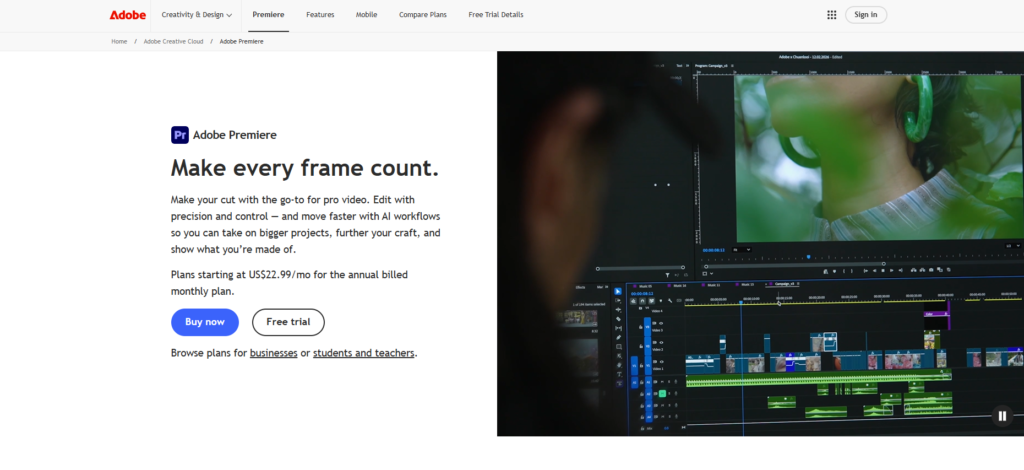
Adobe Premiere Pro remains one of the strongest choices when discussing the Best Real Estate Video Editing Software in 2026.
It has become the industry standard because it combines professional editing tools with exceptional flexibility. From simple property walkthroughs to luxury mansion showcases, Premiere Pro handles virtually every editing task with ease.
The timeline editing system is highly customizable, allowing editors to build complex projects while maintaining full control over every clip. Color grading through Lumetri Color gives interiors a warm, welcoming appearance while preserving realistic tones.
Its integration with Adobe After Effects opens endless creative possibilities. Motion graphics, animated floor plans, property labels, neighborhood maps, and elegant title animations can all be created seamlessly.
AI-powered features introduced in recent updates make editing even faster. Automatic scene detection, speech enhancement, object removal, and intelligent color matching save significant editing time.
If you’re editing multiple luxury properties every week, Premiere Pro remains one of the safest long-term investments.
Pros
- Industry-standard professional editor
- Excellent color grading tools
- Outstanding drone footage support
- AI-powered editing features
- Integrates perfectly with After Effects
Cons
- Monthly subscription required
- Steeper learning curve for beginners
DaVinci Resolve
DaVinci Resolve has grown into one of the most respected names in professional video editing.
Originally famous for Hollywood-level color grading, Resolve now includes advanced editing, visual effects, motion graphics, and professional audio editing in one application.
For real estate videos, color correction makes an enormous difference. Bright kitchens, luxury bathrooms, swimming pools, gardens, and sunset drone footage all benefit from Resolve’s world-class grading tools.
Its free version is surprisingly powerful, making it an excellent choice for creators who want professional results without paying immediately.
The Studio version unlocks advanced AI features like facial refinement, magic masking, and noise reduction.
Pros
- Exceptional color grading
- Powerful free version
- Professional visual effects
- Excellent audio editing
- High-quality exports
Cons
- Requires a powerful computer
- Interface can overwhelm beginners
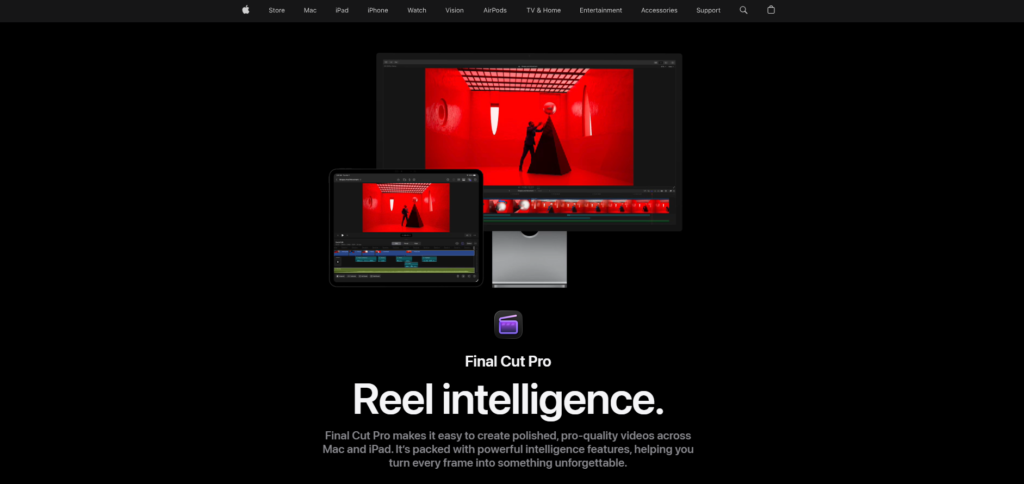
Final Cut Pro
Apple users often consider Final Cut Pro among the Best Real Estate Video Editing Software available today.
Its greatest advantage is speed. Thanks to Apple’s optimization, Final Cut runs incredibly smoothly on Mac computers, even when editing multiple streams of 4K footage.
Magnetic Timeline simplifies editing while reducing accidental gaps between clips.
Final Cut also offers impressive background rendering, allowing editors to continue working while videos render automatically.
Real estate agents who regularly publish listing videos appreciate how quickly projects can move from editing to export.
Pros
- Extremely fast performance on Mac
- Easy timeline management
- Excellent export speeds
- Stable and reliable
- One-time purchase
Cons
- Available only on macOS
- Smaller plugin ecosystem than Premiere Pro
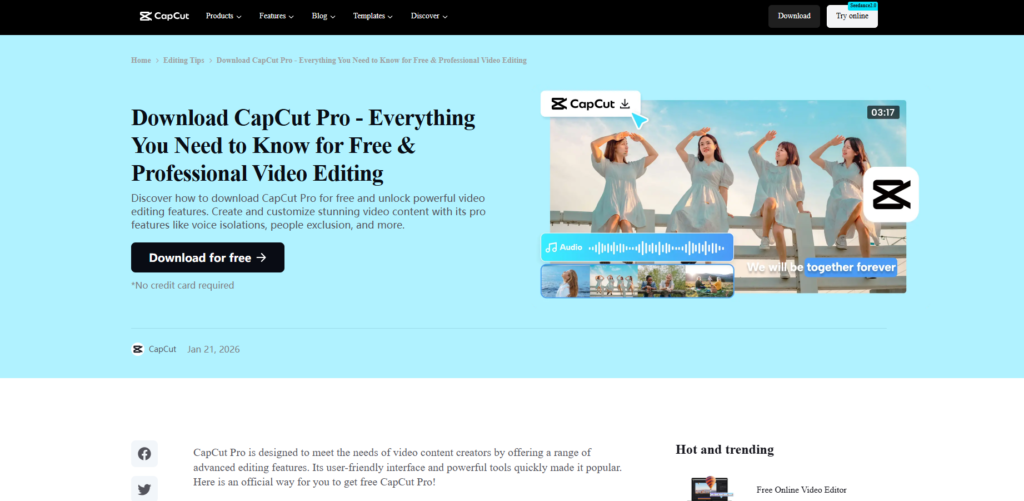
CapCut Pro
CapCut Pro has become much more than a mobile editing app. In 2026, it is a surprisingly capable desktop editor that deserves a place among the Best Real Estate Video Editing Software options, especially for real estate agents, social media marketers, and creators who want to publish content quickly.
One of the biggest reasons CapCut Pro has become so popular is its simplicity. The interface is clean, modern, and easy to understand. Even if you’ve never edited a video before, you can learn the basics in a short time. For busy real estate professionals who need to create listing videos, Instagram Reels, TikTok videos, YouTube Shorts, and Facebook ads, this simplicity is a huge advantage.
CapCut Pro also includes several AI-powered tools that speed up editing. Automatic captions, background removal, object tracking, smart cutouts, and one-click enhancements reduce the amount of manual work required. These tools are particularly useful when creating promotional videos for properties because they allow you to focus more on storytelling and less on technical editing.
The software also comes with a large library of transitions, animated text, music, and effects. While many of these are designed for social media, plenty of clean, professional templates work perfectly for modern real estate marketing. You can quickly create polished videos without spending hours building graphics from scratch.
CapCut Pro may not replace advanced professional editors for high-end commercial productions, but it is an excellent solution for agents who want attractive videos with minimal effort.
Pros
- Very beginner-friendly
- Fast AI-powered editing tools
- Excellent for social media content
- Large library of templates and effects
- Affordable pricing
Cons
- Limited advanced color grading
- Not as flexible for large commercial projects
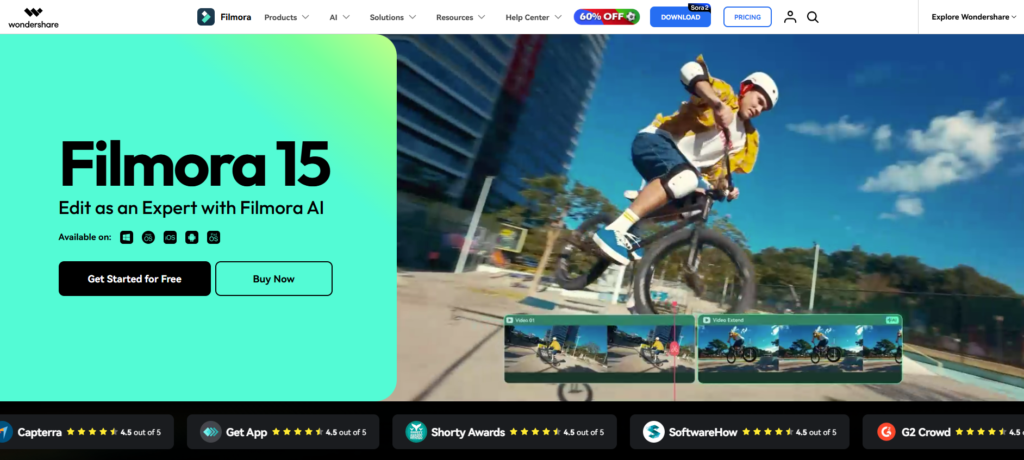
Wondershare Filmora
Wondershare Filmora continues to be one of the easiest video editors available. It successfully balances professional-looking results with a simple interface, making it an attractive option for users who don’t want the complexity of high-end editing software.
Filmora offers a drag-and-drop workflow that allows you to assemble property videos quickly. Whether you’re creating a short apartment tour or a luxury home showcase, the editing process feels smooth and straightforward. It also includes AI tools for noise removal, background music generation, smart masking, and automatic editing suggestions.
One feature that many real estate marketers appreciate is Filmora’s collection of modern title templates. You can easily display property prices, room dimensions, neighborhood information, and contact details in a visually appealing way.
The software also supports motion tracking, keyframing, split-screen layouts, and attractive transitions that help keep viewers engaged throughout the video. Combined with fast rendering speeds, Filmora allows creators to deliver projects efficiently.
For freelancers, small agencies, and independent real estate professionals, Filmora offers excellent value without requiring months of training.
Pros
- Easy to learn
- Attractive built-in templates
- AI-assisted editing features
- Affordable compared to premium editors
- Fast rendering performance
Cons
- Limited advanced editing capabilities
- Some premium effects require additional purchases
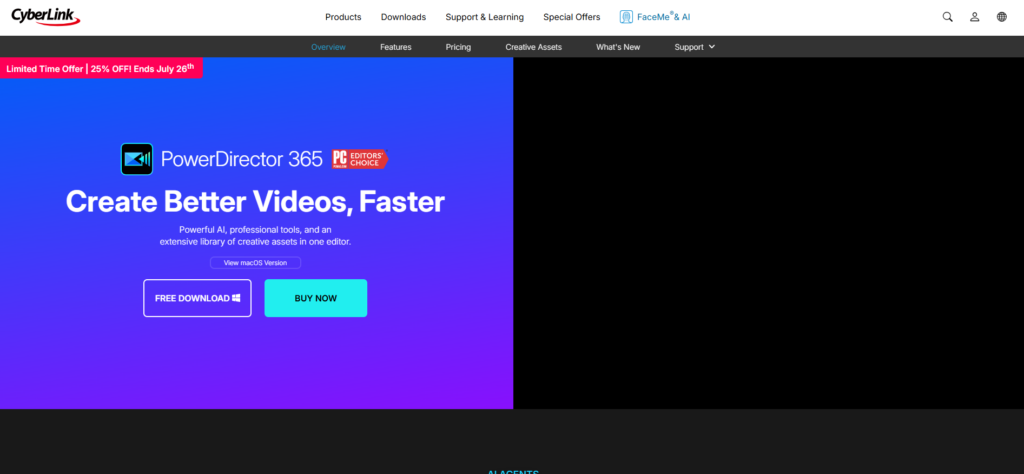
CyberLink PowerDirector
CyberLink PowerDirector has consistently improved over the years and has become one of the most capable editors for users who want professional features without an overwhelming interface.
PowerDirector includes advanced timeline editing, AI-powered enhancements, motion graphics, color correction, screen recording, and excellent export performance. The software performs particularly well on Windows computers and can handle high-resolution property footage efficiently.
Real estate editors often work with drone footage, handheld walkthroughs, and interior shots captured under different lighting conditions. PowerDirector includes stabilization tools and color adjustment features that help create a consistent, polished final product.
The software also provides customizable templates that allow you to add property introductions, animated logos, and contact information without spending excessive time designing graphics.
Another advantage is its relatively gentle learning curve. Users can gradually explore advanced features while remaining productive from the beginning.
Pros
- Fast editing performance
- AI-powered enhancement tools
- Excellent stabilization features
- User-friendly interface
- Strong value for money
Cons
- Subscription unlocks the best features
- Fewer third-party plugins than Adobe
VEGAS Pro
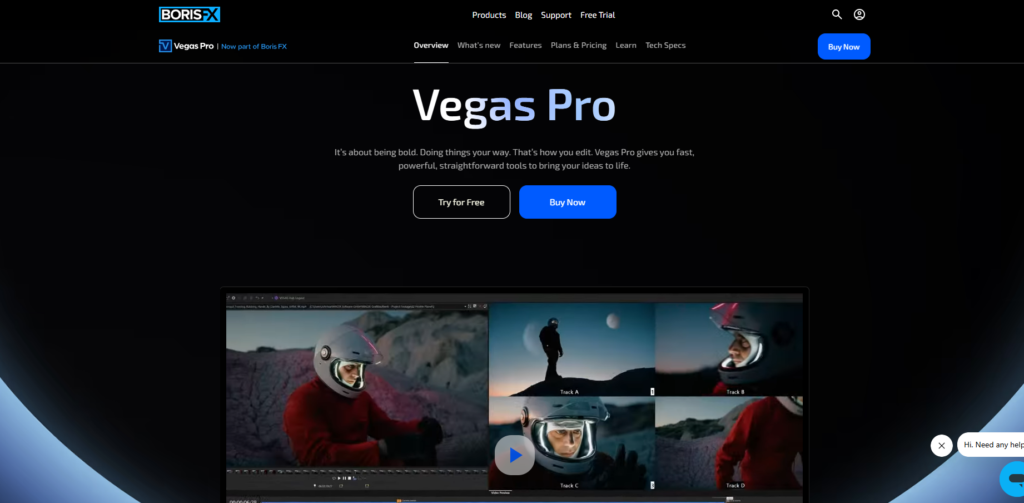
VEGAS Pro has been a trusted name in professional video editing for many years. It remains one of the Best Real Estate Video Editing Software choices for experienced editors who want speed, flexibility, and powerful editing tools.
The software offers a highly responsive editing timeline that makes trimming, organizing, and arranging clips efficient even in large projects. Its professional color grading tools help create bright, inviting interiors while maintaining realistic colors.
VEGAS Pro also supports HDR workflows, advanced motion tracking, visual effects, and AI-powered editing improvements. These capabilities are especially valuable for luxury real estate videos where visual quality directly influences buyer perception.
Audio editing is another strength. Clean background music, voiceovers, and ambient sounds all contribute to a more immersive viewing experience, and VEGAS Pro provides detailed audio controls to achieve that.
Although beginners may need some time to become familiar with the interface, experienced editors appreciate the software’s flexibility and performance.
Pros
- Powerful professional editing tools
- Excellent color grading
- Advanced motion tracking
- Strong audio editing capabilities
- Fast workflow for experienced users
Cons
- Learning curve for beginners
- Smaller community than Adobe Premiere Pro
How to Choose the Best Real Estate Video Editing Software
Selecting the Best Real Estate Video Editing Software depends on your experience, budget, computer hardware, and editing goals.
If you’re a beginner who wants to create attractive listing videos quickly, Filmora and CapCut Pro offer an excellent balance of simplicity and useful features. Their intuitive interfaces allow you to start editing almost immediately without feeling overwhelmed.
If you’re an intermediate editor looking for more creative control, PowerDirector provides advanced tools while remaining approachable. It gives you room to grow without requiring a steep learning curve.
Mac users who value speed and smooth performance will find Final Cut Pro to be an outstanding investment. Its optimization for Apple hardware makes editing large 4K projects surprisingly efficient.
Professional editors and production studios often choose Adobe Premiere Pro or DaVinci Resolve. Both applications offer industry-leading tools for color grading, motion graphics, collaboration, and advanced workflows. They are ideal for creating premium property marketing videos that compete at the highest level.
The most important thing is to choose software that fits your workflow rather than simply selecting the one with the longest feature list. A tool that helps you edit consistently and efficiently will always provide better results than one packed with features you rarely use.
Why Professional Editing Still Matters
Even after choosing the Best Real Estate Video Editing Software, creating a polished real estate video still takes time, creativity, and experience.
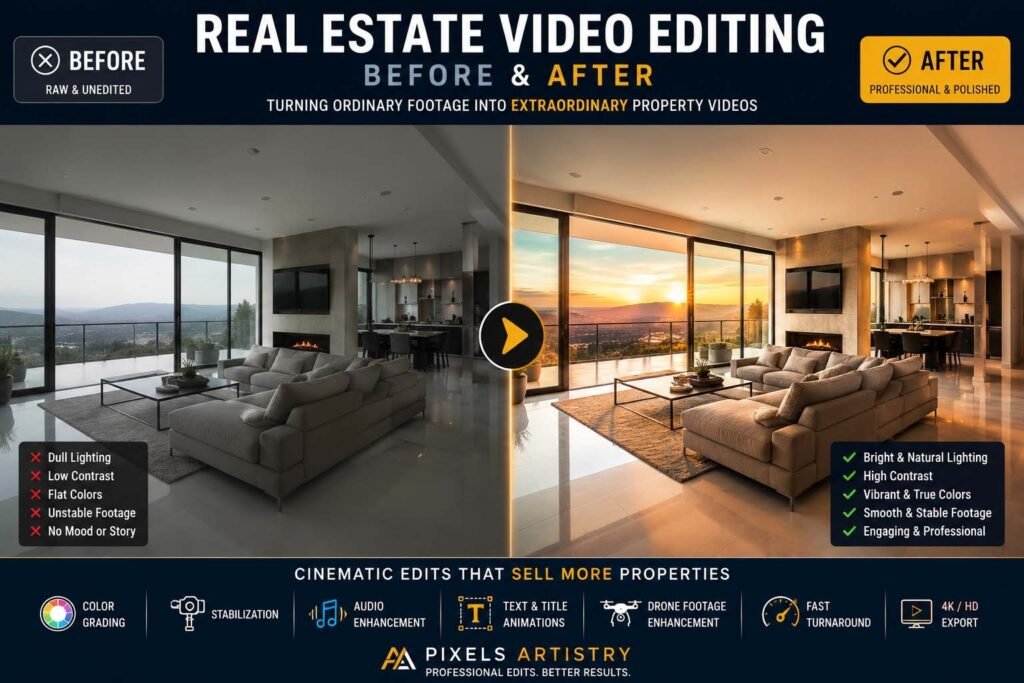
Professional editing involves much more than trimming clips together. Every scene must be arranged to tell a story. Lighting needs adjustment, colors should remain consistent from room to room, transitions should feel smooth, and music should match the mood of the property. Drone footage often requires stabilization, while interior scenes benefit from careful exposure correction to preserve both window views and indoor details.
Small editing decisions can have a significant impact on how buyers perceive a property. A slow cinematic reveal of the living room, a smooth transition into the kitchen, or subtle color enhancements that make natural light appear warmer can dramatically improve engagement.
This is why many successful real estate photographers, agencies, and marketing professionals outsource their editing. Instead of spending hours behind a computer, they can focus on meeting clients, filming new properties, and growing their business.
Why Choose Pixels Artistry for Real Estate Video Editing?
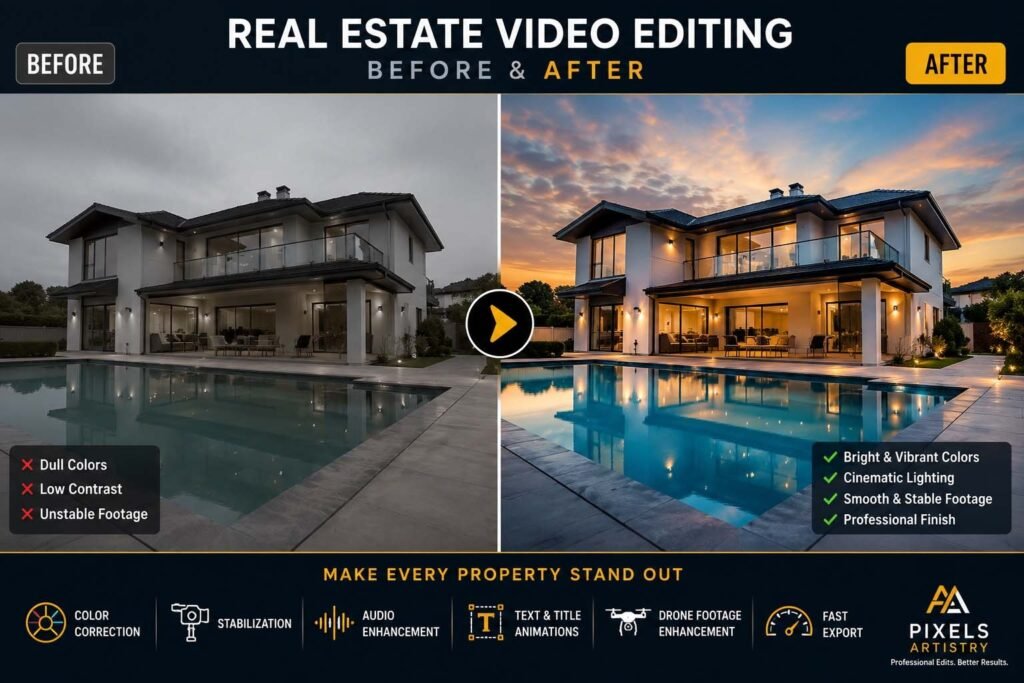
At Pixels Artistry, we understand that every property deserves a presentation that captures attention from the very first second. While many people search for the Best Real Estate Video Editing Software, we believe the real goal is creating videos that help sell properties faster and build trust with potential buyers.
We edit everything from luxury homes and apartments to commercial buildings, vacation rentals, condominiums, and new developments. Every project receives careful attention to pacing, color grading, music selection, transitions, and visual storytelling so the finished video feels natural, elegant, and engaging.
Our editing process is designed to save you time while maintaining consistently high quality. Instead of spending hours learning complicated software or managing large editing projects yourself, you can send us your footage and receive professionally edited videos that are ready for websites, MLS listings, YouTube, Instagram, Facebook, and other marketing platforms.
We also understand that deadlines matter in real estate. New listings often need to go live quickly, which is why we focus on reliable turnaround times without sacrificing quality. Whether you need a simple property walkthrough or a cinematic luxury showcase with drone footage, we tailor every edit to match your brand and marketing goals.
Our services include professional color correction, cinematic color grading, smooth transitions, motion graphics, logo animations, property highlight text, background music synchronization, audio enhancement, stabilization, drone video editing, vertical videos for social media, YouTube-ready exports, and much more.
When you work with us, you’re not just getting an edited video-you receive content designed to help your listings stand out in a competitive market. We aim to create videos that attract attention, keep viewers watching, and encourage potential buyers to take the next step.

[…] you have been comparing different providers for Real Estate Video Editing United States, you have probably noticed that pricing, turnaround time, editing quality, and […]