
Wedding filmmaking has changed a lot over the last few years. Couples no longer want simple highlight clips with basic transitions and background music. They want emotional storytelling, cinematic color grading, smooth slow motion, crystal-clear audio, and polished edits that feel like a movie. Because of that, choosing the Best Video Editing Software for Wedding Videographers has become one of the most important decisions for anyone working in the wedding industry.
We know how demanding wedding editing can be. Long shooting hours, multiple camera angles, drone footage, speeches, ceremony audio, cinematic color correction, and fast delivery timelines all make wedding projects more complex than regular video work. That is why the editing software you choose can completely change your workflow. The right software helps you edit faster, stay organized, improve video quality, and deliver a better final product to your clients.
At Pixels Artistry, we work closely with wedding creators, filmmakers, content producers, and photography brands every day. We understand how important reliable editing tools are when your reputation depends on delivering emotional and professional wedding films. Some videographers want fast editing with easy tools, while others need advanced cinematic features for luxury wedding productions. There is no single perfect option for everyone, which is why this guide explores the strengths and weaknesses of the top editing platforms in detail.
In this guide, we are going deep into the Best Video Editing Software for Wedding Videographers so you can compare features, pricing, performance, workflow advantages, and creative tools before making a decision. Whether you are just starting your wedding videography journey or looking to upgrade your current editing setup, this article will help you find the right software for your style and business goals.
Why Wedding Videographers Need Professional Editing Software
Wedding editing is very different from editing short social media clips or casual YouTube videos. A wedding film carries emotion, memories, and once-in-a-lifetime moments. Missing a detail or delivering poor-quality edits can affect client satisfaction and referrals. That is why professional editing software matters so much.
Modern wedding videographers often shoot in 4K or even 8K resolution. Many also use multiple cameras during ceremonies and receptions. Synchronizing footage from different devices requires strong multicam editing support. On top of that, wedding films usually include cinematic color grading, slow-motion sequences, transitions, motion graphics, and audio cleanup.
The Best Video Editing Software for Wedding Videographers helps simplify these complicated tasks. Good editing software improves workflow speed, reduces rendering issues, keeps timelines organized, and allows more creative freedom. Instead of fighting with laggy performance or limited tools, videographers can focus on storytelling and creativity.
Another important factor is client expectations. Couples today compare wedding videos online before hiring a videographer. They expect professional cinematic quality. Using advanced editing software helps create polished videos that stand out in a competitive market.
Adobe Premiere Pro
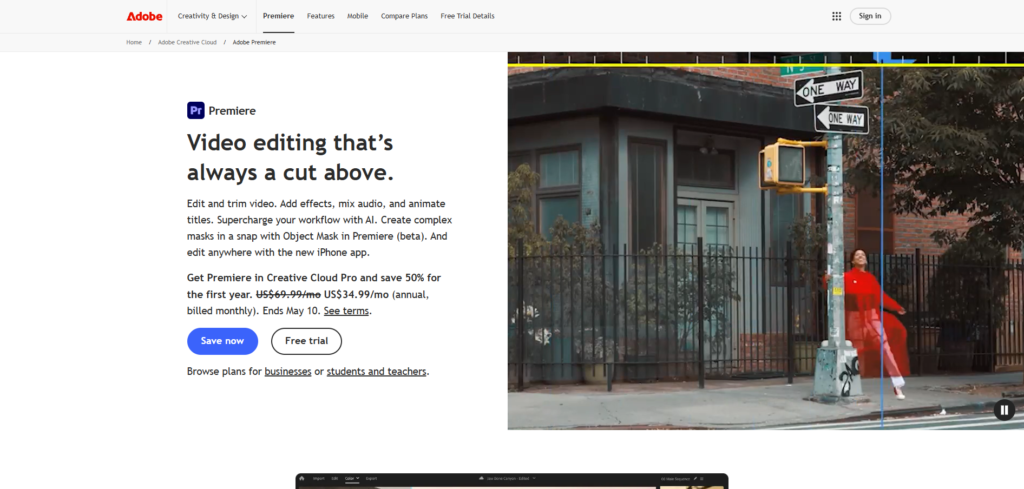
Adobe Premiere Pro is one of the most recognized names in professional video editing. Many wedding filmmakers use it because of its flexibility, powerful features, and integration with other Adobe applications like After Effects and Photoshop. For videographers who want full creative control, Premiere Pro remains one of the strongest options available.
Premiere Pro supports multicam editing, advanced color correction, motion graphics, audio enhancements, and high-resolution workflows. Wedding videographers especially love how easy it is to organize large projects with multiple folders, sequences, and synced clips. The software also works well with third-party plugins, which makes cinematic editing easier.
Another major reason Premiere Pro is considered among the Best Video Editing Software for Wedding Videographers is its collaborative ecosystem. Editors can move projects between Adobe applications without losing workflow efficiency. This is especially useful when creating wedding teaser trailers, social media clips, or advanced cinematic intros.
The software also receives regular updates, which helps users stay current with modern video formats and editing tools. AI-powered features like automatic reframing and speech enhancement can save significant editing time for busy wedding professionals.
Pros
- Excellent multicam editing support
- Powerful color grading tools
- Huge plugin and preset ecosystem
- Strong integration with Adobe Creative Cloud
- Professional-grade export options
- Great for cinematic wedding films
Cons
- Subscription pricing can become expensive
- Requires a powerful computer for smooth performance
- Can feel overwhelming for beginners
- Occasional stability issues with large projects
Final Cut Pro
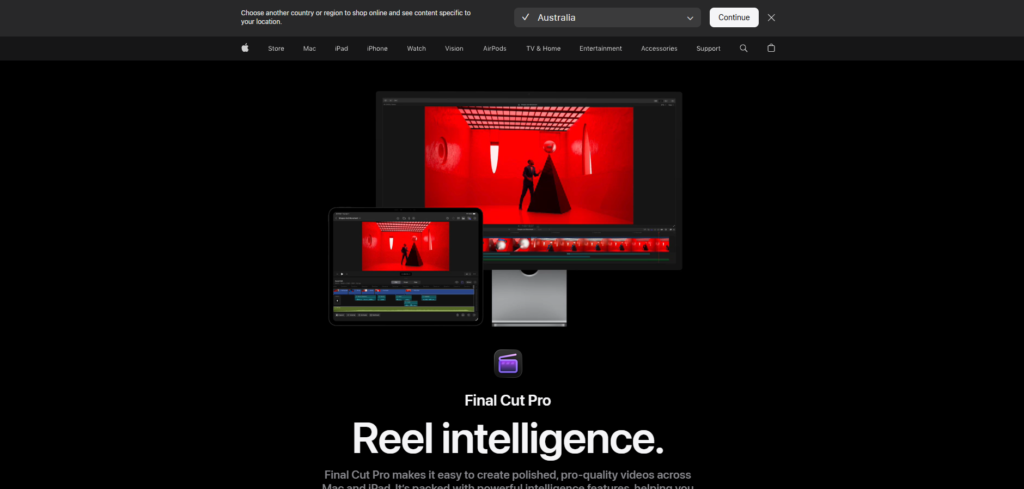
Final Cut Pro is a favorite among Mac users, especially wedding videographers who want fast editing performance. Apple optimized the software specifically for macOS, which means it often runs smoother than many competitors on Mac devices.
One of the biggest strengths of Final Cut Pro is speed. Rendering, exporting, and timeline playback are incredibly fast compared to many other editing applications. Wedding videographers dealing with large amounts of footage often appreciate this performance advantage because it saves hours during editing sessions.
Final Cut Pro also has an intuitive magnetic timeline system that makes editing feel fluid and organized. Many editors who switch from traditional timeline systems eventually find the workflow faster once they get comfortable with it.
When discussing the Best Video Editing Software for Wedding Videographers, Final Cut Pro deserves serious attention because of its combination of performance and simplicity. It offers professional editing features without feeling as complicated as some high-end alternatives.
The software also includes impressive color grading tools, stabilization features, motion graphics support, and optimized media workflows. Wedding filmmakers working on tight deadlines often prefer Final Cut Pro because of its fast export speeds and efficient editing experience.
Pros
- Extremely fast rendering and export speeds
- Optimized perfectly for Mac systems
- One-time purchase instead of subscription
- Smooth and clean user interface
- Excellent performance with 4K footage
- Great for fast wedding editing workflows
Cons
- Available only on macOS
- Magnetic timeline may confuse some users initially
- Smaller plugin ecosystem than Adobe Premiere Pro
- Limited collaboration tools for large editing teams
DaVinci Resolve
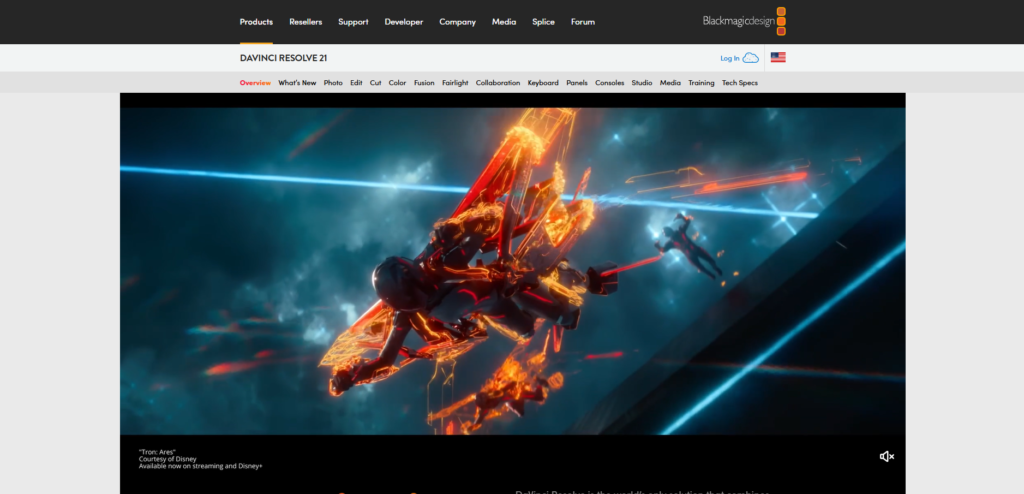
DaVinci Resolve has become incredibly popular among wedding filmmakers in recent years. Originally known for professional color grading, it has evolved into a complete editing solution with advanced tools for editing, audio production, visual effects, and color correction.
For wedding videographers focused on cinematic visuals, DaVinci Resolve is often considered one of the Best Video Editing Software for Wedding Videographers because of its industry-leading color grading capabilities. Wedding films rely heavily on emotional visual tones, and Resolve gives editors precise control over every detail of color and lighting.
The software includes a free version that is surprisingly powerful, making it attractive for beginners and small studios. Even the free version supports professional editing workflows, multicam editing, advanced transitions, and high-quality exports.
Another huge advantage is the Fusion effects system built directly into the software. This allows wedding videographers to create cinematic titles, transitions, and visual effects without needing separate programs.
DaVinci Resolve also handles RAW footage extremely well, which is important for videographers shooting weddings with cinema cameras. Editors can recover highlights, improve skin tones, and achieve luxury cinematic aesthetics with impressive precision.
Pros
- Exceptional color grading tools
- Powerful free version available
- Professional-level editing features
- Integrated visual effects and audio tools
- Excellent cinematic workflow
- Strong multicam editing support
Cons
- Steeper learning curve for beginners
- Requires powerful hardware for smooth performance
- Complex interface can feel intimidating
- Fusion tools take time to master
Vegas Pro
Vegas Pro has maintained a loyal user base for years, especially among editors who prefer straightforward workflows. Many wedding videographers appreciate its clean interface and efficient editing tools.
One reason Vegas Pro remains relevant in conversations about the Best Video Editing Software for Wedding Videographers is its simplicity. Editors can quickly cut footage, add transitions, improve audio, and export projects without dealing with unnecessary complexity.
The software also offers strong audio editing capabilities, which is valuable for wedding films where speeches, vows, and ceremony recordings must sound clean and emotional. Vegas Pro handles audio editing more naturally than many competitors.
Its timeline-based editing workflow feels responsive and beginner-friendly while still offering advanced features for experienced editors. Wedding filmmakers who want a balance between power and simplicity often find Vegas Pro appealing.
Pros
- Easy-to-understand interface
- Strong audio editing features
- Fast workflow for wedding projects
- Good performance on mid-range systems
- Flexible timeline editing
Cons
- Smaller community compared to Premiere Pro
- Fewer third-party plugins
- Less popular in professional studio environments
- Some advanced features lag behind competitors
Filmora
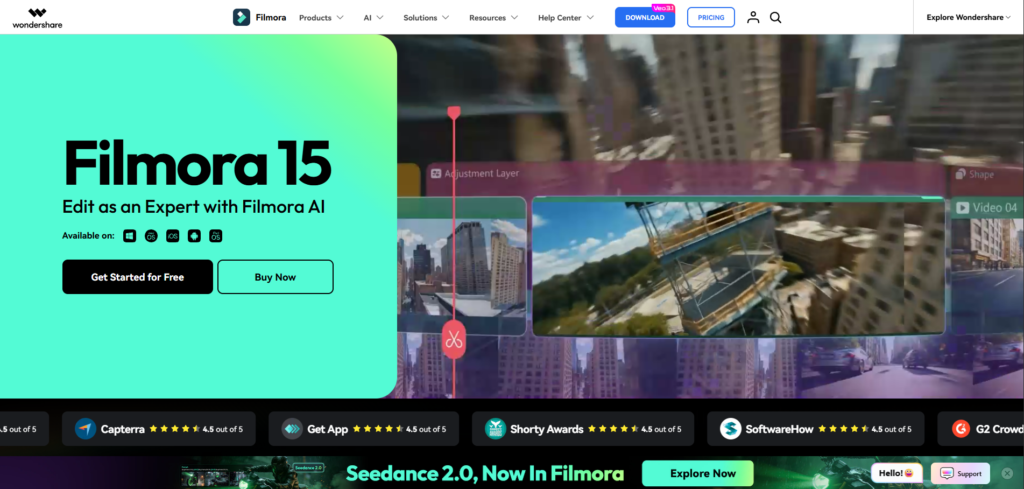
Filmora is often recommended for beginner wedding videographers who want professional-looking results without a complicated learning process. The software focuses heavily on simplicity and ease of use.
Many new creators searching for the Best Video Editing Software for Wedding Videographers choose Filmora because it includes drag-and-drop editing, built-in transitions, preset effects, music libraries, and simple export settings.
The software is particularly useful for videographers handling smaller weddings, social media wedding reels, or quick highlight videos. It allows users to create polished edits without spending months learning advanced editing techniques.
Filmora also includes AI-powered features like automatic background removal, audio cleanup, and motion tracking. These tools can help speed up editing workflows significantly.
Pros
- Very beginner-friendly
- Simple and clean interface
- Built-in effects and transitions
- Affordable pricing
- Fast learning curve
- Good for quick wedding highlight edits
Cons
- Limited advanced editing capabilities
- Not ideal for complex cinematic projects
- Fewer professional color grading tools
- Less flexible for large productions
Avid Media Composer
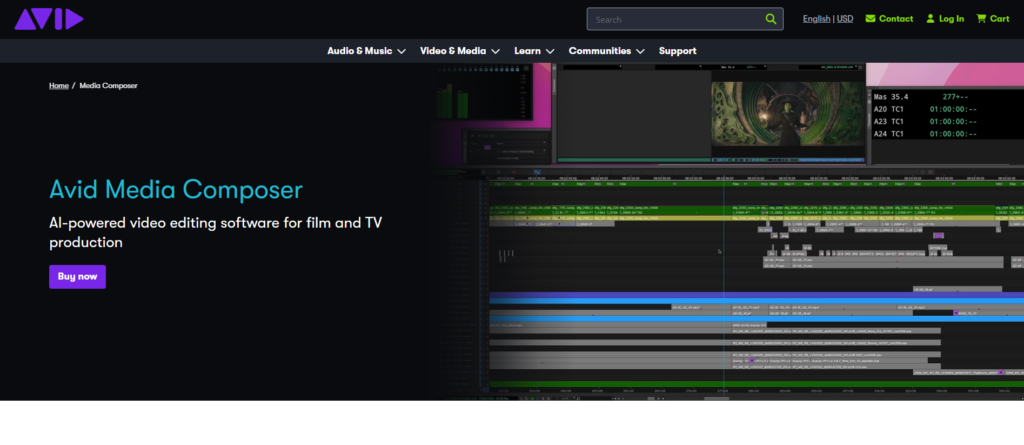
Avid Media Composer is often associated with film and television production, but some professional wedding filmmakers also use it for high-end projects. The software is designed for advanced editing environments where stability and media management are critical.
Although it is less common among casual editors, Avid still deserves mention among the Best Video Editing Software for Wedding Videographers because of its professional-grade reliability and collaborative workflow features.
Wedding studios managing large production teams may appreciate Avid’s organization system, media management, and precision editing capabilities. However, the learning curve is significantly steeper compared to other editing platforms.
Pros
- Extremely stable for large projects
- Professional media management tools
- Excellent collaborative workflow support
- High-level precision editing
Cons
- Difficult learning curve
- Expensive compared to competitors
- Interface feels outdated to some users
- Overkill for many wedding videographers
How to Choose the Right Wedding Editing Software
Choosing the Best Video Editing Software for Wedding Videographers depends heavily on your editing style, business size, hardware setup, and creative goals. Some videographers prioritize speed, while others focus on cinematic quality or advanced color grading.
If you are a beginner, user-friendly software like Filmora may help you learn faster without frustration. If you want advanced cinematic control and industry-standard workflows, Premiere Pro or DaVinci Resolve may be better options.
Mac users often love Final Cut Pro because of its optimization and speed. Wedding filmmakers focused heavily on color grading usually lean toward DaVinci Resolve. Editors already working within Adobe Creative Cloud often prefer Premiere Pro for integration advantages.
Budget also matters. Subscription software can become expensive over time, while one-time purchase options may save money long term. Hardware requirements are equally important because advanced editing platforms need powerful systems for smooth performance.
The best approach is to evaluate your workflow carefully. Think about the type of wedding films you create, the turnaround speed you need, and how much time you can invest in learning advanced tools.
Why Professional Editing Services Matter
Even with the Best Video Editing Software for Wedding Videographers, editing wedding films still takes an enormous amount of time and skill. Many videographers eventually reach a point where managing filming, editing, client communication, and business growth becomes overwhelming.
That is where professional editing services can completely transform your workflow.
At Pixels Artistry, we help wedding videographers save time, deliver projects faster, and maintain consistent cinematic quality. Instead of spending endless nights editing timelines, our clients can focus more on shooting weddings, growing their business, and booking new projects.
We understand the emotional storytelling style required for wedding films. From romantic color grading and cinematic transitions to clean audio synchronization and smooth multicam editing, we handle every detail carefully.
Our workflow is built around flexibility. Some videographers need complete wedding film editing, while others only want highlight reels, teaser videos, color correction, or audio cleanup. We adapt based on your editing style and brand identity.
One of the biggest advantages of working with Pixels Artistry is consistency. Wedding videographers often struggle with burnout during busy seasons because editing workloads pile up quickly. We help maintain delivery speed without sacrificing quality.
We also understand modern wedding trends. Social media teasers, vertical reels, cinematic storytelling, emotional pacing, luxury color grading, and polished sound design are all essential parts of modern wedding filmmaking. Our editing process is designed to help your content feel premium and competitive.
Another reason many creators work with us is scalability. As your wedding bookings increase, editing becomes harder to manage alone. Outsourcing editing allows you to grow without compromising client experience.
Editing Features Wedding Videographers Should Prioritize
When comparing the Best Video Editing Software for Wedding Videographers, certain features are more important than others. Multicam editing is essential because weddings are often filmed using several cameras simultaneously.
Color grading tools are equally important. Weddings rely heavily on emotional visual tones, and strong color correction helps create cinematic consistency across all footage.
Audio editing also matters more than many beginners realize. Wedding vows, speeches, ambient music, and ceremony recordings must sound clean and balanced. Poor audio quality can ruin an otherwise beautiful wedding film.
Performance optimization is another critical factor. Wedding projects involve large files, long timelines, and high-resolution footage. Editing software that crashes frequently or struggles with playback can slow down production significantly.
Export flexibility should also be considered. Wedding videographers often need different versions of the same project for YouTube, Instagram, TikTok, and client delivery platforms.
The Future of Wedding Video Editing
The wedding video industry continues evolving rapidly. AI tools, cloud collaboration, automated editing assistance, and advanced cinematic workflows are becoming more common every year.
The Best Video Editing Software for Wedding Videographers now includes features like AI audio cleanup, automatic reframing, smart color matching, and facial recognition organization tools. These technologies help editors work faster while maintaining high-quality results.
At the same time, client expectations continue rising. Couples now expect wedding films that look cinematic, emotional, and social-media-ready. This means videographers need both creative skills and efficient editing systems to stay competitive.
Professional editing services are also becoming more important as wedding filmmakers scale their businesses. Many successful videographers now outsource editing to maintain faster turnaround times and reduce burnout.
At Pixels Artistry, we continue adapting to these changing trends so wedding creators can stay ahead of the competition. Whether you are creating intimate wedding stories or luxury cinematic productions, having the right editing support can make a massive difference in your business growth.
Final Thoughts
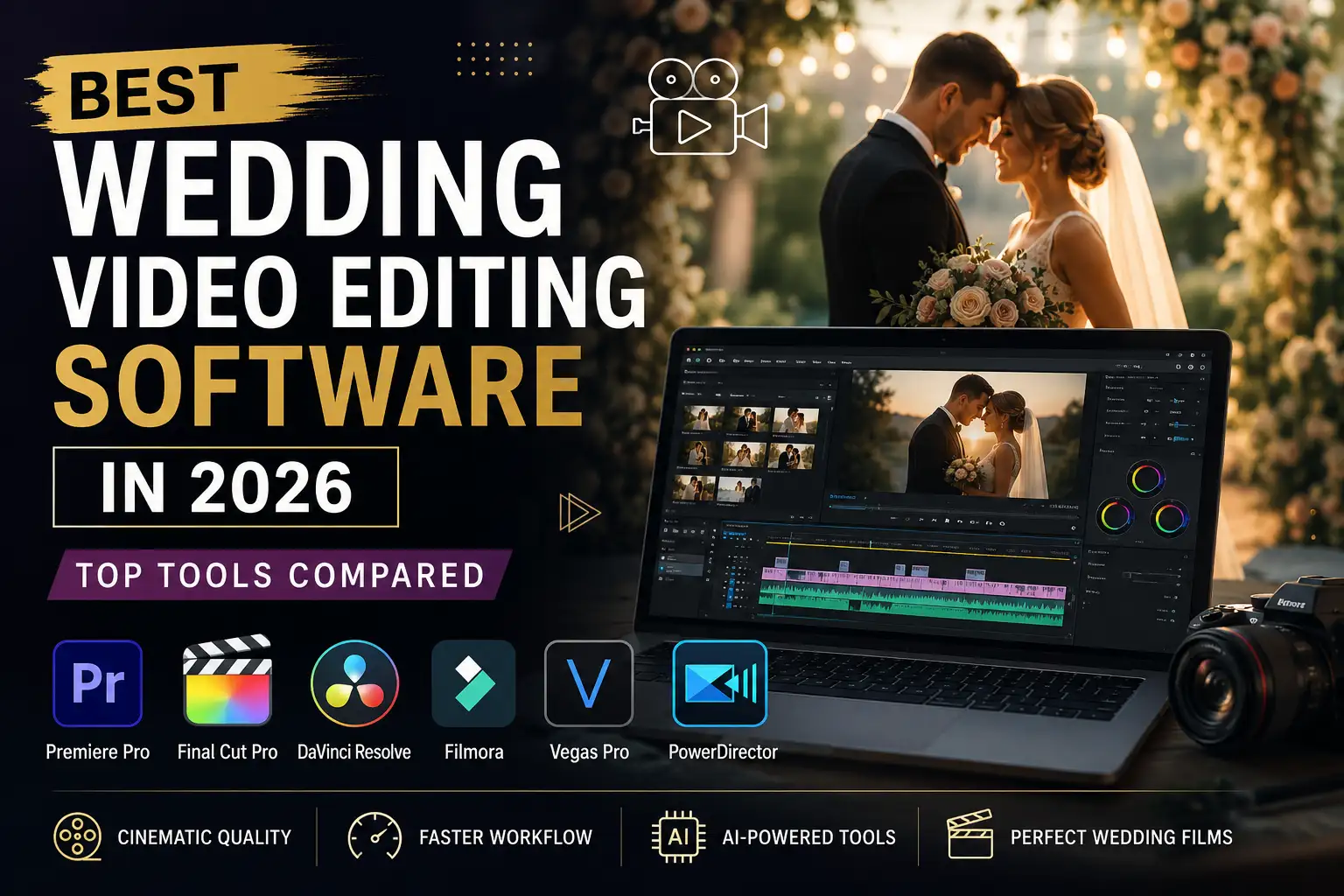
Finding the Best Video Editing Software for Wedding Videographers depends on your creative goals, editing experience, workflow preferences, and budget. Premiere Pro offers flexibility and professional integration. Final Cut Pro delivers speed and smooth Mac performance. DaVinci Resolve provides unmatched cinematic color grading. Vegas Pro focuses on simplicity, while Filmora makes editing accessible for beginners.
Every wedding videographer works differently, which means the best software is the one that helps you create emotional, polished films efficiently and consistently.
At Pixels Artistry, we know how demanding wedding editing can become, especially during busy seasons. That is why we help videographers simplify their workflow with professional editing services designed specifically for wedding content. From cinematic highlight films and teaser trailers to advanced color grading and multicam editing, we help bring wedding stories to life with quality and consistency.
Whether you are just starting your wedding filmmaking journey or running a growing wedding video business, combining the right editing software with the right editing support can completely change your results.