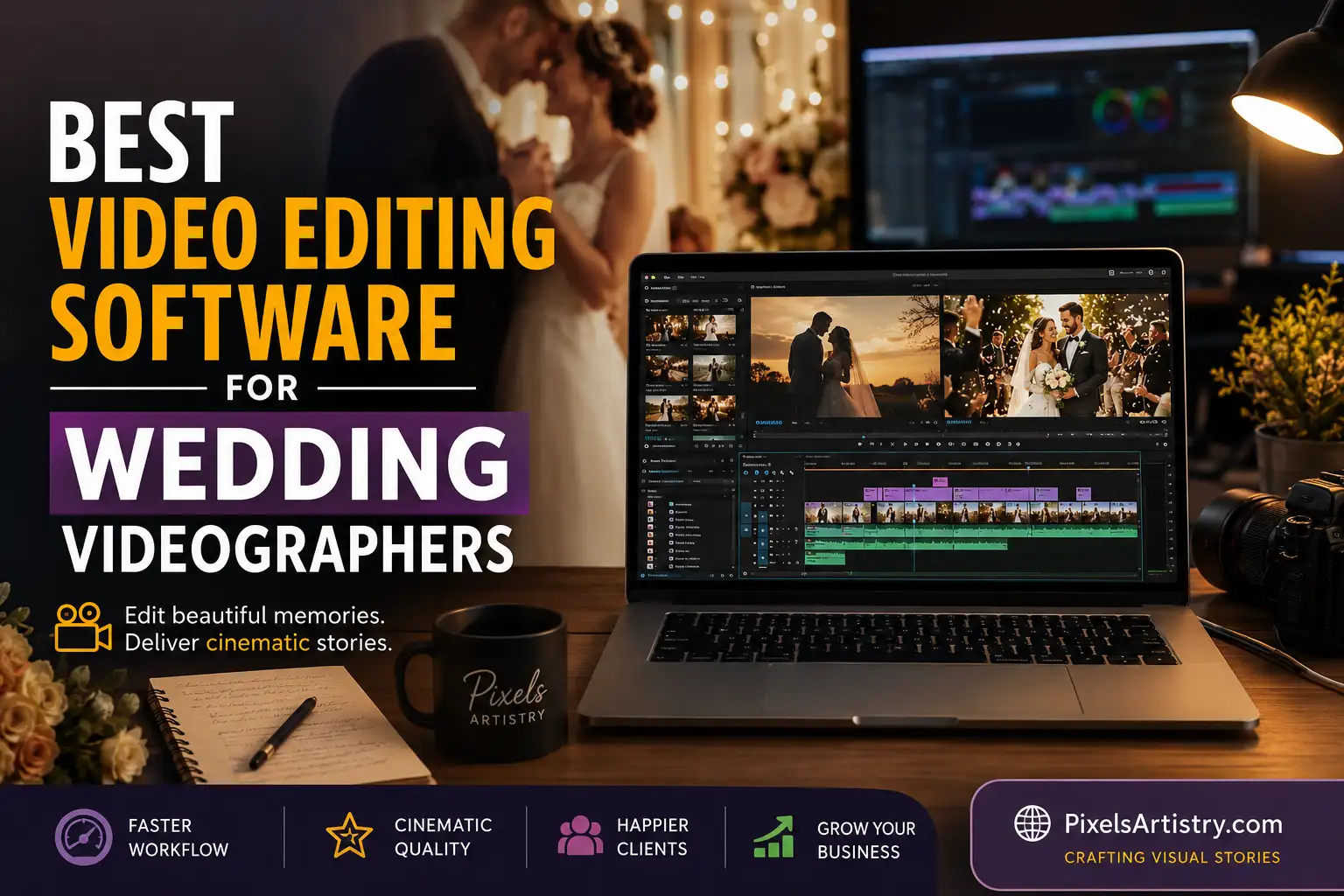

Wedding filmmaking has changed dramatically over the last few years. Couples no longer want simple highlight videos with basic transitions and background music. They want cinematic storytelling, emotional color grading, smooth slow motion, clean audio, and social-media-ready edits that feel like a movie. Because of that, choosing the right Wedding Video Editing Software has become one of the biggest decisions for wedding videographers, content creators, and studios in 2026.
We know how overwhelming this choice can feel. Some editing tools are packed with professional features but take months to learn. Others are beginner-friendly but limit creativity when your projects grow bigger. There are also subscription costs, rendering speeds, AI tools, plugin support, and workflow compatibility to think about before investing your time and money.
That is exactly why we created this detailed guide.
In this article, we compare the best Wedding Video Editing Software options available in 2026. We explain how each software performs in real wedding editing situations, from editing full ceremony footage to creating emotional teaser films for Instagram, TikTok, YouTube, and client galleries. We also discuss which software works best for beginners, professionals, budget-conscious creators, and high-end wedding studios.
At Pixels Artistry, we work with wedding video projects regularly, so we understand the pressure that comes with tight deadlines, emotional storytelling, and client expectations. Wedding editing is not just about cutting clips together. It is about preserving memories in a way that feels timeless. That is why we pay close attention to editing speed, consistency, cinematic quality, and workflow efficiency.
If you are searching for the best Wedding Video Editing Software for your business or personal projects, this guide will help you compare the top tools side by side and make the right decision confidently.
Why Choosing the Right Wedding Video Editing Software Matters
Wedding editing is very different from editing regular content. A wedding film carries emotion, atmosphere, and storytelling in every frame. You are not simply arranging footage chronologically. You are creating a memory that couples may watch for decades.
That is why the right Wedding Video Editing Software can completely change your workflow and final output quality.
Modern wedding videos often include multiple cameras, drone footage, speeches, vows, cinematic portraits, and dance sequences. Managing all these elements requires powerful editing tools that can handle large files smoothly without slowing down your system. A good editor also needs reliable color grading tools, audio cleanup features, motion graphics support, and fast export options.
Another important factor is efficiency. Many wedding creators edit several weddings every month. Without an optimized workflow, deadlines can become stressful very quickly. The best editing software helps speed up repetitive tasks while still allowing creative freedom.
In 2026, AI-powered editing features are also becoming a huge advantage. Some platforms now offer automatic scene detection, smart audio balancing, facial tracking, and AI-assisted color correction. These tools save hours of editing time while improving consistency across projects.
At Pixels Artistry, we have seen how the right editing workflow can improve client satisfaction dramatically. Faster turnaround times, smoother cinematic edits, and polished storytelling all help wedding brands grow stronger in a competitive market.
Adobe Premiere Pro
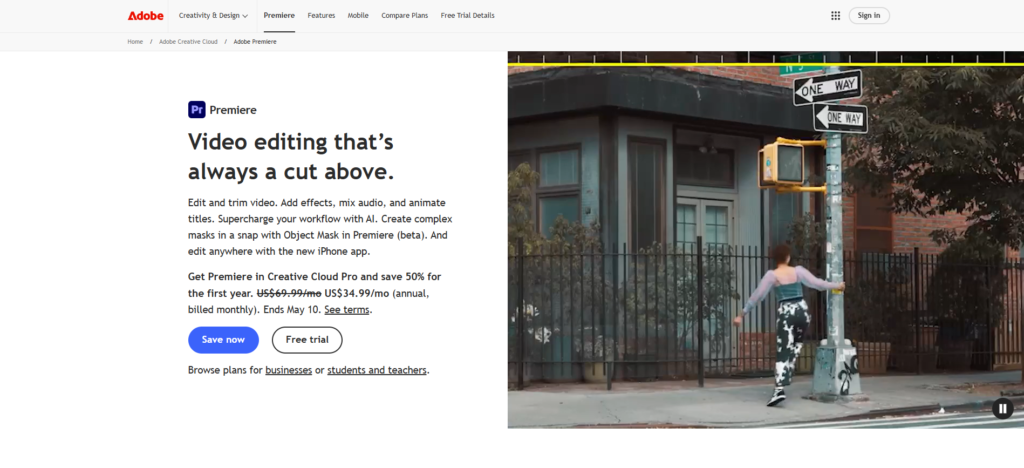
Adobe Premiere Pro remains one of the most popular choices for professional wedding filmmakers in 2026. It is widely used across the filmmaking industry because of its flexibility, deep feature set, and compatibility with other creative tools.
For wedding editors, Premiere Pro offers a strong balance between creative freedom and professional workflow control. It supports multi-camera editing, advanced color grading, motion graphics integration, and high-resolution video processing. Whether you are editing a short wedding teaser or a full-length documentary-style wedding film, the software can handle complex projects smoothly.
One of the biggest reasons wedding creators love Premiere Pro is its integration with Adobe After Effects and Adobe Audition. This allows editors to create cinematic title animations, emotional sound design, and polished transitions without leaving the Adobe ecosystem. Many wedding filmmakers also use Lightroom alongside Premiere Pro for consistent visual branding between photos and videos.
The software has improved significantly in 2026 with better AI-assisted editing tools. Features like automatic reframing, speech enhancement, scene detection, and AI-powered color balancing help speed up wedding editing workflows considerably.
Premiere Pro also supports a huge library of wedding LUTs, presets, plugins, and transitions. This makes it easier to create luxurious cinematic looks for high-end wedding films.
However, beginners may initially find the interface intimidating because the software includes many professional-level tools and settings. It also requires a strong computer setup for smooth 4K and 8K editing performance.
Pros
- Excellent professional editing capabilities
- Powerful multi-camera editing features
- Strong color grading tools
- Huge plugin and preset ecosystem
- Smooth integration with Adobe apps
- Great for cinematic wedding storytelling
Cons
- Subscription pricing can become expensive
- Requires a powerful computer
- Learning curve is steeper for beginners
Final Cut Pro
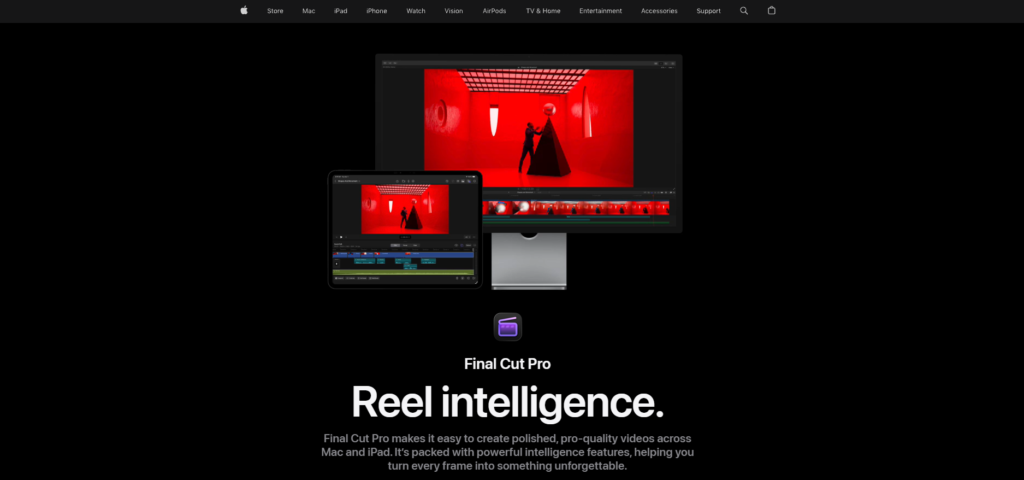
Final Cut Pro continues to be a favorite among Mac users who specialize in wedding filmmaking. The software is known for its speed, optimization, and smooth performance on Apple devices.
Wedding videographers often work with massive amounts of footage, especially during long ceremonies and receptions. Final Cut Pro handles these large projects efficiently thanks to Apple’s hardware optimization. Editors can scrub through timelines quickly, render footage faster, and export high-quality projects without major lag issues.
One of the biggest strengths of Final Cut Pro is its magnetic timeline. This editing approach allows clips to move more fluidly without creating accidental gaps or sync problems. For wedding editors managing emotional sequences and music-driven storytelling, this workflow feels very intuitive.
The software also includes strong color correction tools and cinematic editing features. Many wedding filmmakers appreciate how easy it is to create elegant slow-motion sequences, romantic transitions, and visually polished highlight reels.
In 2026, Final Cut Pro expanded its AI-assisted workflow capabilities, helping creators automate repetitive editing tasks while maintaining manual creative control. Features like automatic captioning and smart subject tracking are especially useful for social media wedding content.
Another advantage is the one-time purchase model. Unlike subscription-based software, Final Cut Pro only requires a single payment, making it attractive for freelancers and smaller wedding studios.
At Pixels Artistry, we often recommend Final Cut Pro for creators who want professional-level editing without dealing with monthly software subscriptions.
Pros
- Extremely fast on Mac systems
- Smooth timeline performance
- Beginner-friendly workflow
- One-time purchase pricing
- Excellent rendering speeds
- Great for cinematic wedding edits
Cons
- Mac-only software
- Smaller plugin ecosystem than Adobe
- Less industry standard for collaborative workflows
DaVinci Resolve
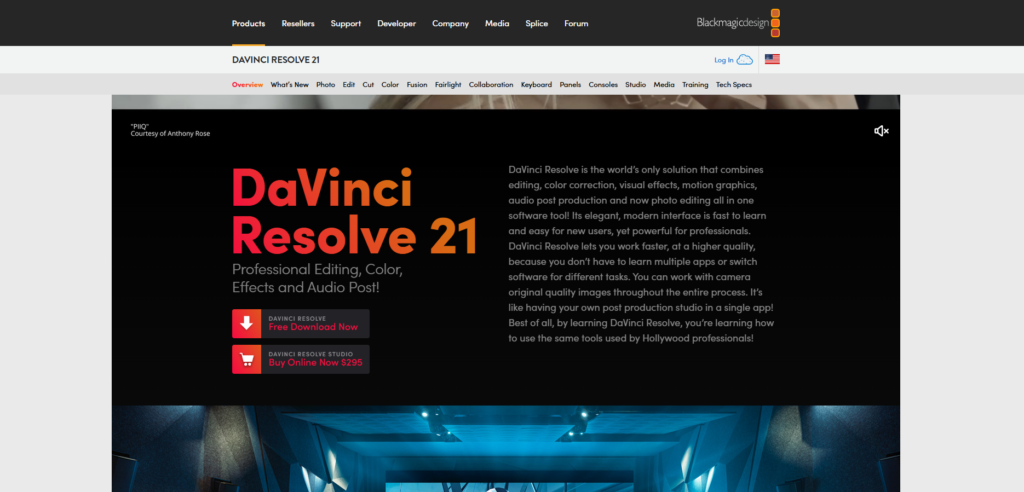
DaVinci Resolve has become one of the most respected Wedding Video Editing Software choices for creators who prioritize cinematic color grading and professional finishing quality.
Originally famous for Hollywood-level color correction, DaVinci Resolve has evolved into a complete editing platform. Today, it combines video editing, advanced color grading, visual effects, audio editing, and motion graphics in a single application.
For wedding filmmakers, color grading is incredibly important. Weddings involve constantly changing lighting conditions, including bright outdoor ceremonies, dim reception halls, golden-hour portraits, and colorful dance floors. DaVinci Resolve handles these situations beautifully with some of the most advanced color tools available in the editing industry.
Editors can create warm romantic tones, cinematic contrast, elegant skin tones, and luxury visual aesthetics that make wedding films feel emotionally powerful. The software also performs extremely well for RAW footage workflows and high-end cinematic camera formats.
One major reason many creators are switching to DaVinci Resolve in 2026 is the free version. Unlike many competitors, the free edition already includes a huge range of professional features. This makes it one of the best starting points for new wedding filmmakers who want advanced capabilities without immediate financial investment.
The Studio version unlocks additional AI features, advanced effects, noise reduction, and collaborative workflows that are especially useful for professional wedding production teams.
At Pixels Artistry, we appreciate how DaVinci Resolve combines cinematic precision with professional flexibility. For wedding brands focused on premium storytelling, this software is incredibly powerful.
Pros
- Industry-leading color grading tools
- Excellent cinematic quality
- Strong free version available
- Integrated audio and effects tools
- Great for high-end wedding films
- Professional finishing capabilities
Cons
- Can feel complex for beginners
- Requires strong hardware for smooth performance
- Some advanced features require Studio version
Filmora
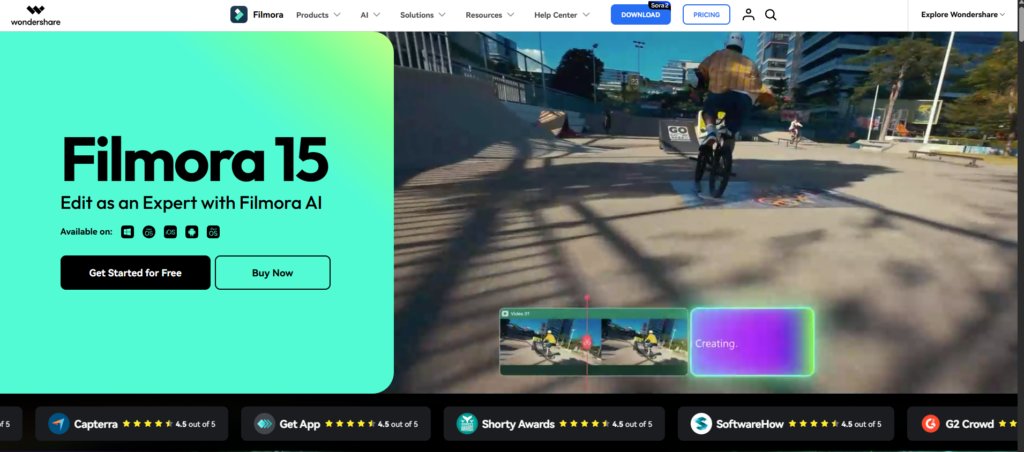
Filmora has become increasingly popular among beginner wedding creators and small businesses looking for an easy editing experience. While it may not offer the deep professional control of Premiere Pro or DaVinci Resolve, it delivers simplicity and speed that many users appreciate.
Wedding editors who are new to filmmaking often struggle with overly technical software interfaces. Filmora solves this by focusing on accessibility. The layout feels clean, organized, and beginner-friendly, allowing creators to start editing wedding films quickly.
The software includes many built-in transitions, titles, effects, music tracks, and templates designed for emotional storytelling. This is especially useful for creating wedding highlight reels, romantic teasers, and social media content without needing advanced motion graphics experience.
In 2026, Filmora’s AI tools have improved significantly. Automatic background music matching, AI scene detection, and quick highlight generation help creators speed up editing dramatically. For wedding businesses handling multiple projects per month, these time-saving features can be valuable.
Filmora also performs well on mid-range computers, making it a practical option for creators who do not own high-end editing systems.
At Pixels Artistry, we sometimes recommend Filmora to beginner wedding videographers who want to focus more on storytelling and less on technical editing complexity.
Pros
- Very beginner-friendly interface
- Affordable pricing options
- Built-in effects and templates
- AI-powered editing tools
- Good performance on average computers
- Easy learning curve
Cons
- Limited advanced editing controls
- Less suitable for large cinematic productions
- Professional filmmakers may outgrow it quickly
Vegas Pro
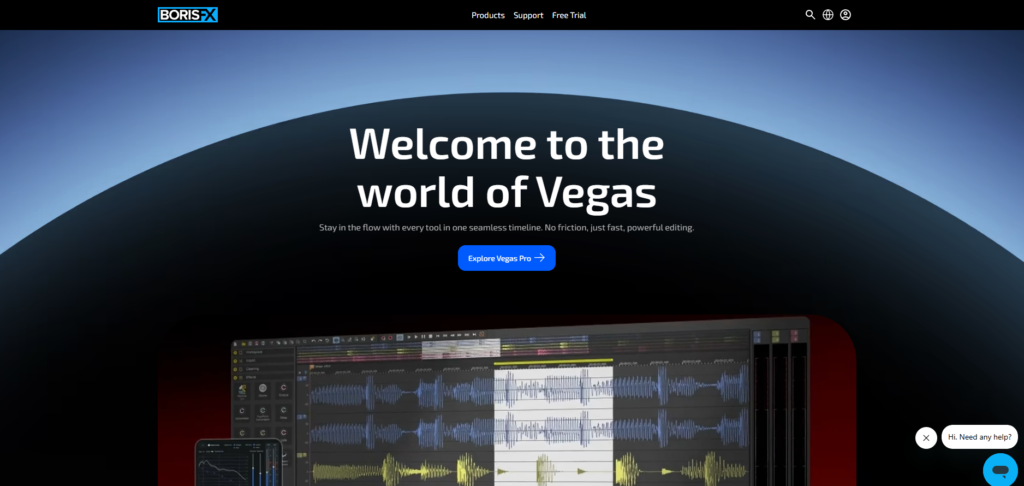
Vegas Pro remains a reliable choice for wedding editors who prefer a straightforward editing workflow with strong performance capabilities.
The software has long been appreciated for its fast timeline editing and responsive interface. Many editors enjoy how quickly they can cut footage, sync audio, and create polished sequences without dealing with unnecessary complexity.
Wedding filmmakers working with long-form ceremony footage often appreciate Vegas Pro’s stable timeline performance. It handles extended edits smoothly and supports multi-camera workflows effectively.
In 2026, Vegas Pro includes improved AI tools, faster GPU acceleration, and enhanced color correction features. These updates help modernize the software while maintaining its traditional editing style.
Vegas Pro also offers strong audio editing functionality, which is very important for wedding projects. Clear vows, speeches, and emotional background music all contribute heavily to the final viewing experience.
While Vegas Pro may not dominate the market like Adobe or DaVinci Resolve, it still has a loyal community of creators who value speed and workflow simplicity.
Pros
- Fast editing workflow
- Strong audio editing tools
- Good timeline responsiveness
- Reliable for long-form wedding videos
- Easier learning curve than some competitors
Cons
- Smaller user community
- Fewer tutorials and plugins
- Interface feels outdated to some users
CyberLink PowerDirector
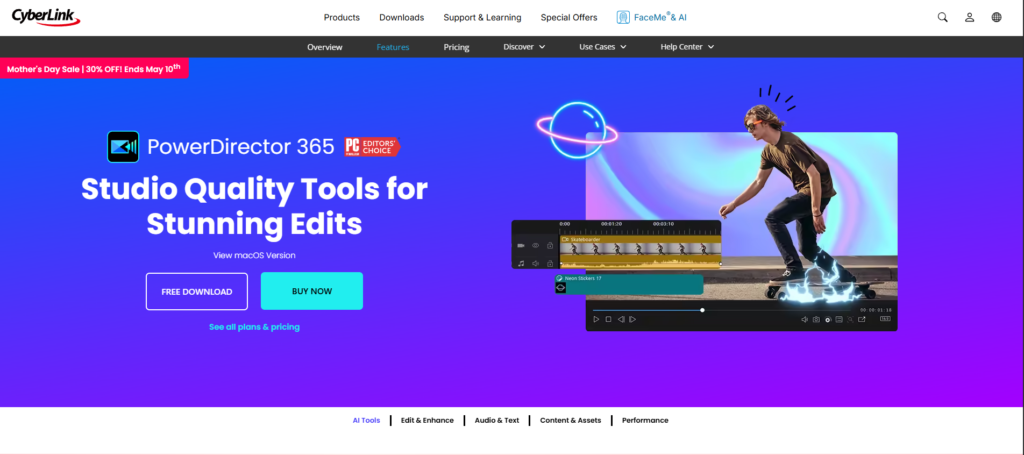
CyberLink PowerDirector has improved significantly over the years and now stands as one of the strongest mid-range Wedding Video Editing Software options available in 2026.
The software focuses heavily on balancing speed, accessibility, and creative flexibility. It works especially well for content creators who edit both weddings and social media videos regularly.
PowerDirector offers AI-assisted editing, motion tracking, stabilization, color enhancement, and fast rendering performance. Wedding creators can quickly produce cinematic highlight reels without needing deep technical expertise.
One area where PowerDirector shines is export speed. Wedding videographers often work under tight delivery deadlines, and faster rendering can make a major difference in productivity.
The software also supports many modern content formats, including vertical video for TikTok and Instagram Reels. This is useful for wedding businesses creating short-form promotional content for clients and social platforms.
At Pixels Artistry, we know how important turnaround time is in the wedding industry. Software that speeds up editing while maintaining visual quality can significantly improve client satisfaction.
Pros
- Fast rendering speeds
- User-friendly interface
- Good AI-powered tools
- Affordable compared to premium software
- Excellent for social media wedding content
Cons
- Limited high-end cinematic tools
- Some effects can feel overly template-based
- Not ideal for advanced film workflows
Which Wedding Video Editing Software Is Best for Beginners?
For beginners entering the wedding filmmaking world, simplicity matters more than having every advanced feature imaginable.
Learning editing basics already takes time. Trying to master complicated professional software immediately can slow creativity and become frustrating. That is why beginner wedding creators often benefit from software with cleaner interfaces and easier workflows.
Filmora is one of the best beginner-friendly choices because it allows users to start editing quickly while still producing attractive wedding videos. The drag-and-drop workflow feels intuitive, and the built-in templates help create cinematic results without advanced technical knowledge.
Final Cut Pro is another strong option for Mac users. While it includes professional-level tools, the interface feels more approachable than many high-end editing platforms.
PowerDirector also works well for beginners who want fast results and social-media-friendly editing features.
At Pixels Artistry, we often encourage new wedding creators to focus first on storytelling, pacing, music synchronization, and emotional flow rather than obsessing over advanced technical features. The best Wedding Video Editing Software for beginners is the one that keeps you motivated to create consistently.
Which Software Is Best for Professional Wedding Filmmakers?
Professional wedding filmmakers usually prioritize cinematic quality, workflow efficiency, and creative flexibility above everything else.
For high-end production work, Adobe Premiere Pro and DaVinci Resolve remain the strongest choices in 2026.
Premiere Pro excels in collaborative workflows, plugin support, and integration with professional creative tools. Many established wedding studios rely on it for large-scale production pipelines and commercial wedding filmmaking.
DaVinci Resolve stands out for creators focused heavily on cinematic color grading and luxury visual aesthetics. Its finishing quality is exceptional for premium wedding films.
Final Cut Pro is also highly respected among professional Mac-based wedding editors because of its speed and optimized performance.
At Pixels Artistry, we believe professional success comes from combining technical precision with emotional storytelling. The software is important, but your editing style, pacing, sound design, and creative vision ultimately define the final wedding experience.
How Pixels Artistry Helps Wedding Creators
Choosing the best Wedding Video Editing Software is important, but software alone does not solve every editing challenge. Wedding filmmakers often deal with massive workloads, seasonal booking pressure, and demanding delivery schedules.
That is where we help.
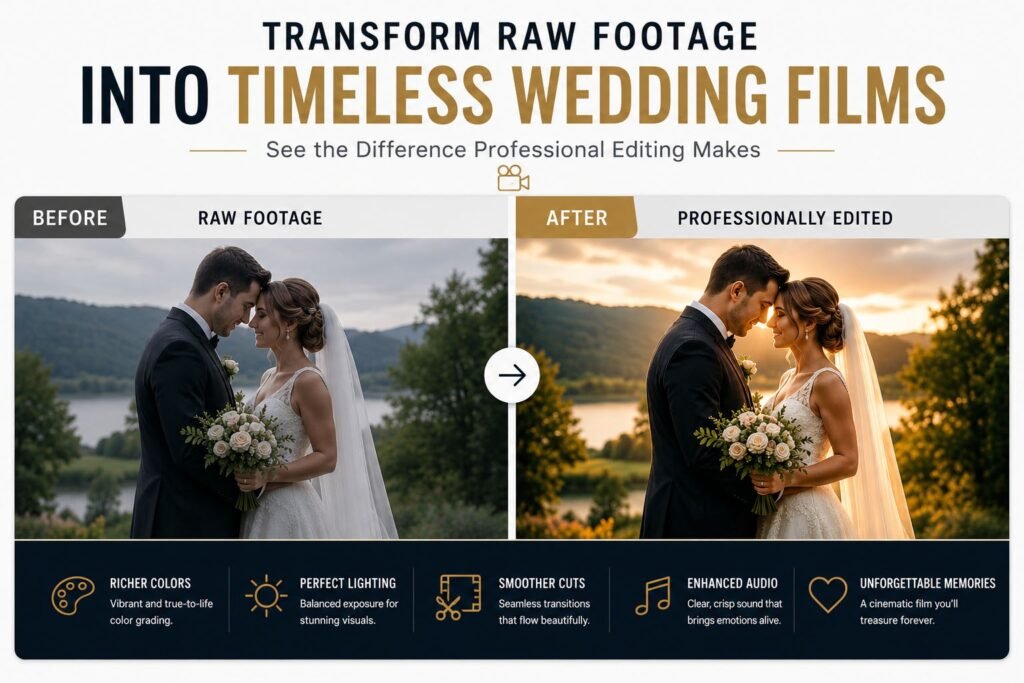
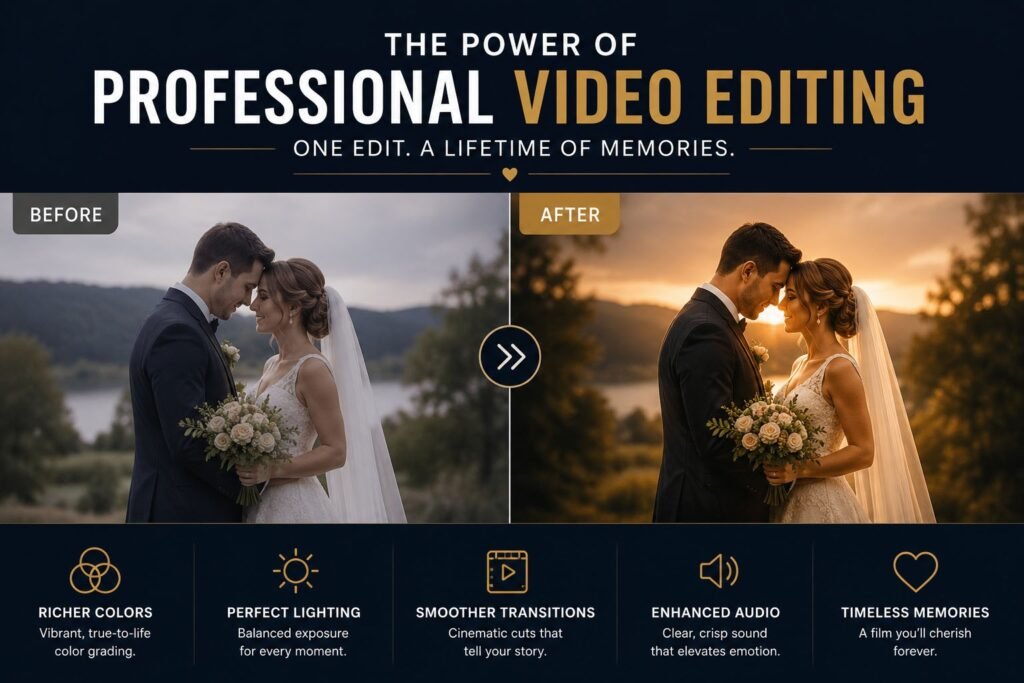
At Pixels Artistry, we provide professional video editing services designed specifically for creators who want consistent quality without sacrificing time. We work closely with wedding filmmakers, studios, and content creators to help transform raw footage into polished cinematic wedding films.
Our workflow focuses on emotional storytelling, smooth pacing, luxury color grading, cinematic transitions, clean audio balancing, and social-media-ready delivery formats. Whether you need wedding highlight reels, teaser edits, ceremony films, or short-form promotional content, we help simplify the post-production process.
One of the biggest advantages of working with us is consistency. Many wedding creators struggle to maintain the same visual quality across multiple projects during busy seasons. We help keep editing standards high while improving turnaround speed.
We also understand that every wedding brand has a unique style. Some filmmakers prefer bright romantic aesthetics, while others prefer moody cinematic storytelling. Our editing approach adapts to your creative direction instead of forcing generic templates onto your work.
For creators using Adobe Premiere Pro, DaVinci Resolve, Final Cut Pro, or other Wedding Video Editing Software platforms, we can integrate smoothly into existing workflows.
In 2026, wedding filmmaking continues to become more competitive. Faster delivery, cinematic quality, and strong storytelling all matter more than ever. That is why many creators choose professional editing support to scale their business without compromising quality.
Final Thoughts
Finding the best Wedding Video Editing Software in 2026 depends heavily on your experience level, creative goals, budget, and workflow preferences.
If you want professional flexibility and industry-standard tools, Adobe Premiere Pro remains one of the strongest choices available. If cinematic color grading matters most, DaVinci Resolve is incredibly powerful. Mac users who value speed often prefer Final Cut Pro, while beginners may feel more comfortable starting with Filmora or PowerDirector.
The most important thing is choosing software that supports your creative process instead of slowing it down.
Wedding filmmaking is deeply emotional work. Every edit represents memories that couples will treasure for years. The right software helps bring those emotions to life through pacing, music, color, and storytelling.
At Pixels Artistry, we are passionate about helping wedding creators produce films that feel timeless, cinematic, and unforgettable. Whether you edit everything yourself or need professional post-production support, investing in the right workflow can completely transform your wedding filmmaking journey.
As the wedding industry continues evolving in 2026, creators who combine strong storytelling with efficient editing workflows will stand out the most. And with the right Wedding Video Editing Software, creating beautiful wedding films becomes far more enjoyable, creative, and rewarding.